


Frequently Asked Question
Learn how to use our plugins with step-by-step guides and practical examples
Content
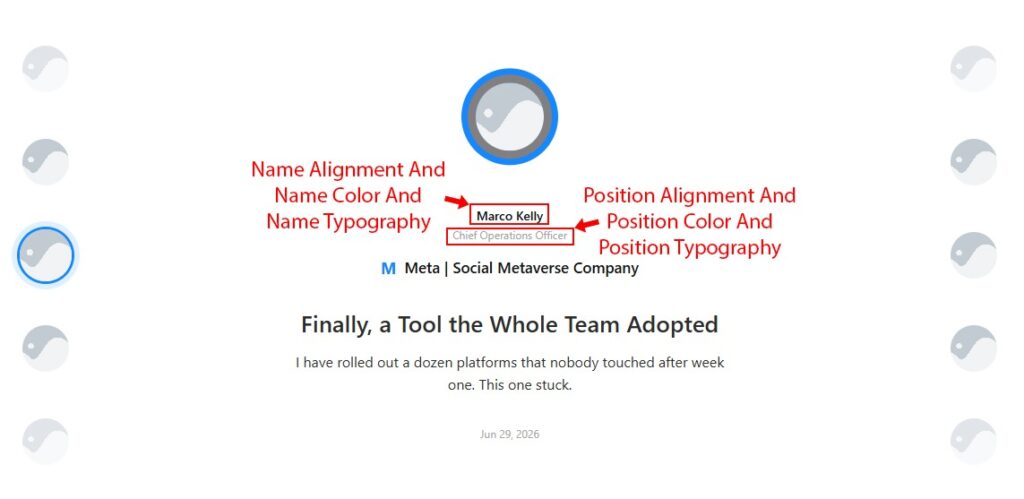
The Content section allows you to manage the typography, colors, spacing, and alignment of all text elements in the active content panel. It is divided into four tabs: Author, Company, Quote, and Date.
On the Author tab:
- Name Alignment (responsive) — horizontal alignment of the person’s name (Left / Center / Right).

- Name Color — text colour of the name.

- Name Typography — font family, size, weight, and other typography options for the name.

- Position Alignment (responsive) — alignment of the job title text (Left / Center / Right).

- Position Color — text colour of the job title.

- Position Typography — typography settings for the job title.

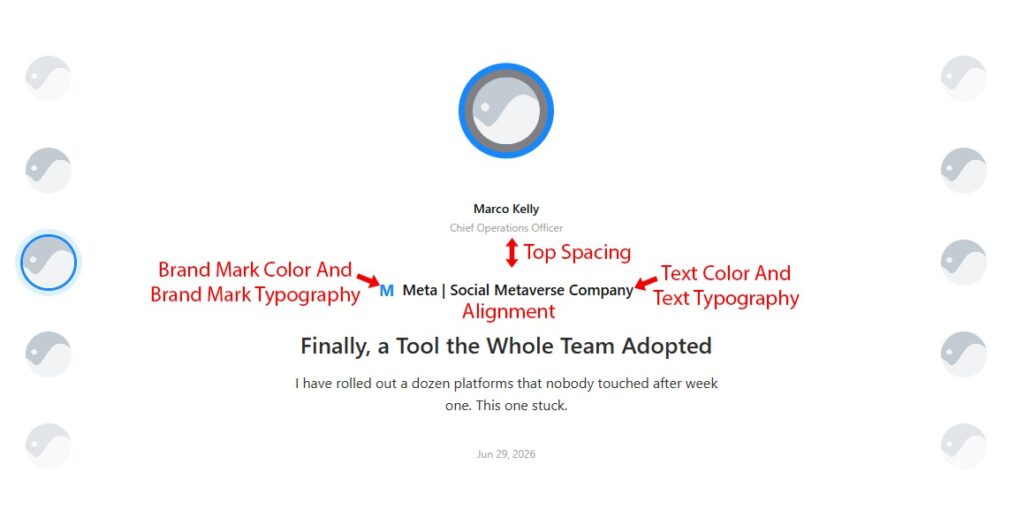
On the Company tab:
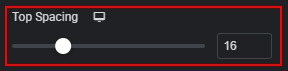
- Top Spacing (responsive) — margin above the company row.
- Alignment (responsive) — horizontal alignment of the company row (Left / Center / Right).

- Brand Mark Color — colour of the letter/symbol badge.

- Brand Mark Typography — typography settings for the brand mark badge.

- Text Color — colour of the company name and description text.

- Text Typography — typography settings for the company name and description.

On the Quote tab:
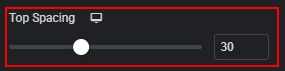
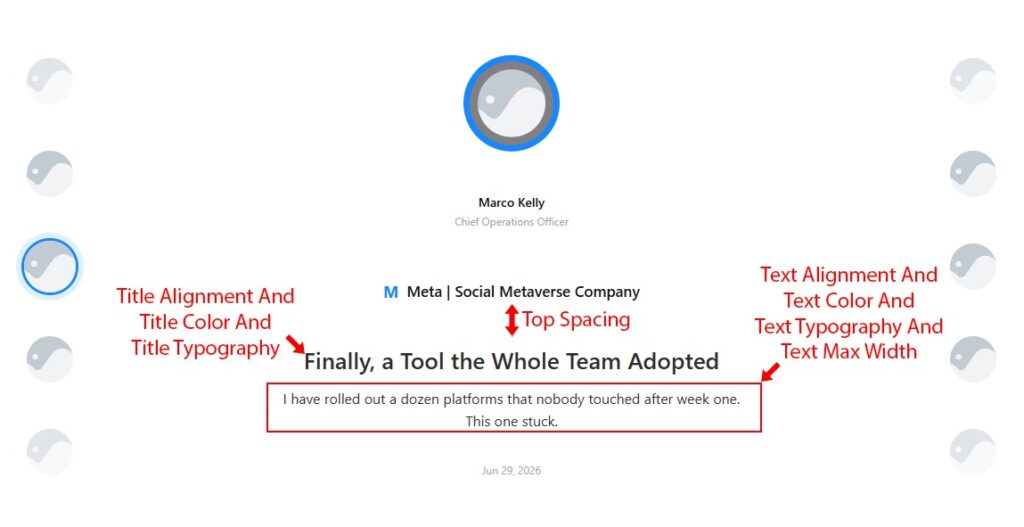
- Top Spacing (responsive) — margin above the entire quote block. Note: if “Show Quote Title” is disabled in Carousel Settings → Display, a notice is shown and the following three controls are hidden.
- Title Alignment (responsive) — alignment of the quote headline (Left / Center / Right).

- Title Color — text colour of the quote headline.

- Title Typography — typography settings for the quote headline.

- Text Alignment (responsive) — alignment of the testimonial body text (Left / Center / Right).

- Text Color — colour of the testimonial body text.

- Text Typography — typography settings for the testimonial body text.

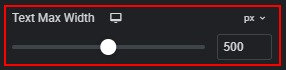
- Text Max Width (responsive) — constrains the line length of the testimonial text.
On the Date tab:
Note: if “Show Date” is disabled in Carousel Settings → Display, a notice is shown and the following controls are hidden:
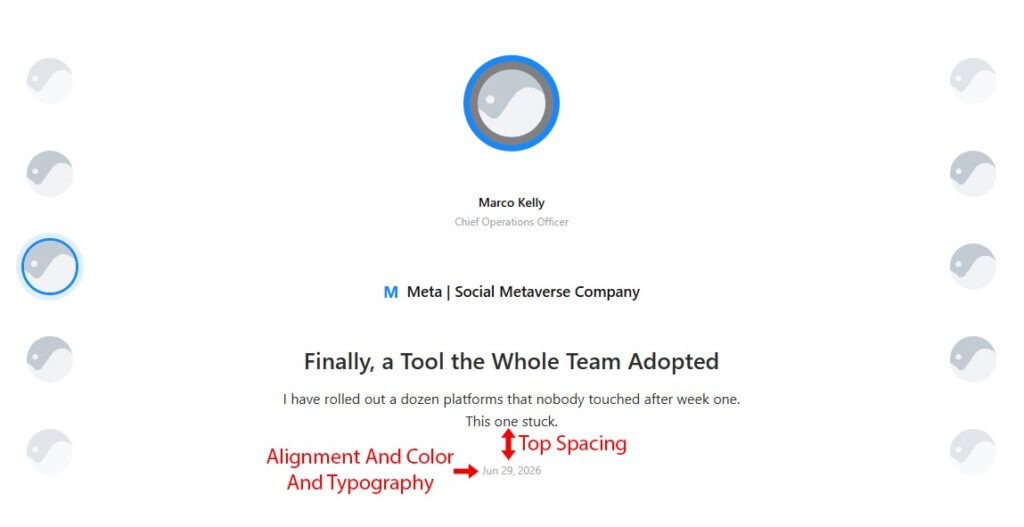
- Alignment (responsive) — alignment of the date text (Left / Center / Right).

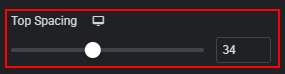
- Top Spacing (responsive) — margin above the date.
- Color — text colour of the date.

- Typography — typography settings for the date.

 Spotlight Avatar