


Frequently Asked Question
Learn how to use our plugins with step-by-step guides and practical examples
Additional Options
When you click Additional Options, advanced widget settings become available:
- Autoplay — enables automatic slide switching.

- Autoplay Duration — sets the delay (in seconds) between slides when autoplay is enabled.

- Pause on Interaction — stops autoplay after user interaction.

- Loop — enables continuous slide looping. If disabled, the slider stops at the last slide.

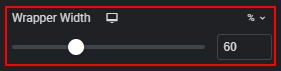
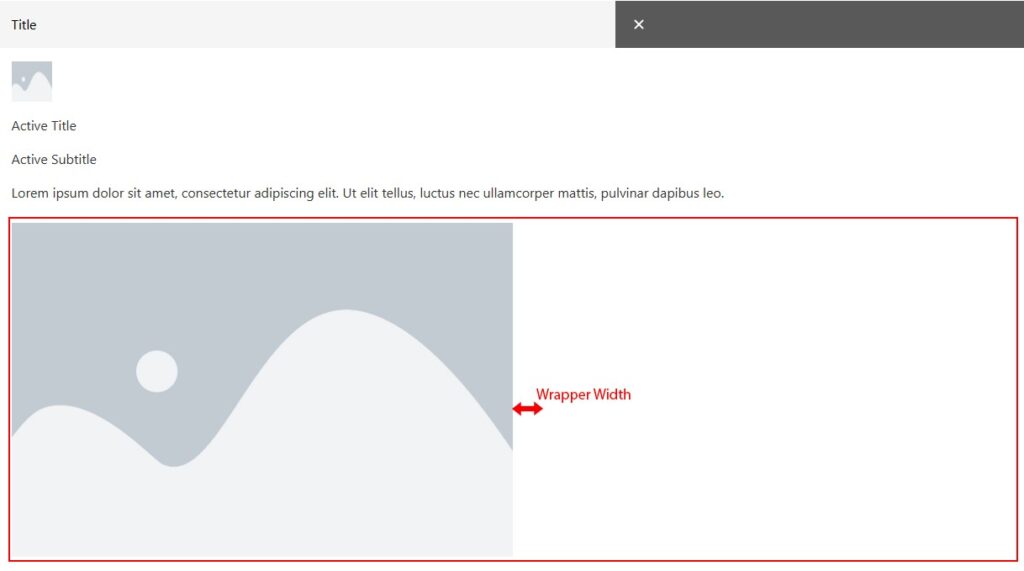
- Wrapper Width — changes the width of the image or slider container.
- Show Thumbnails — displays thumbnails in the accordion slider.

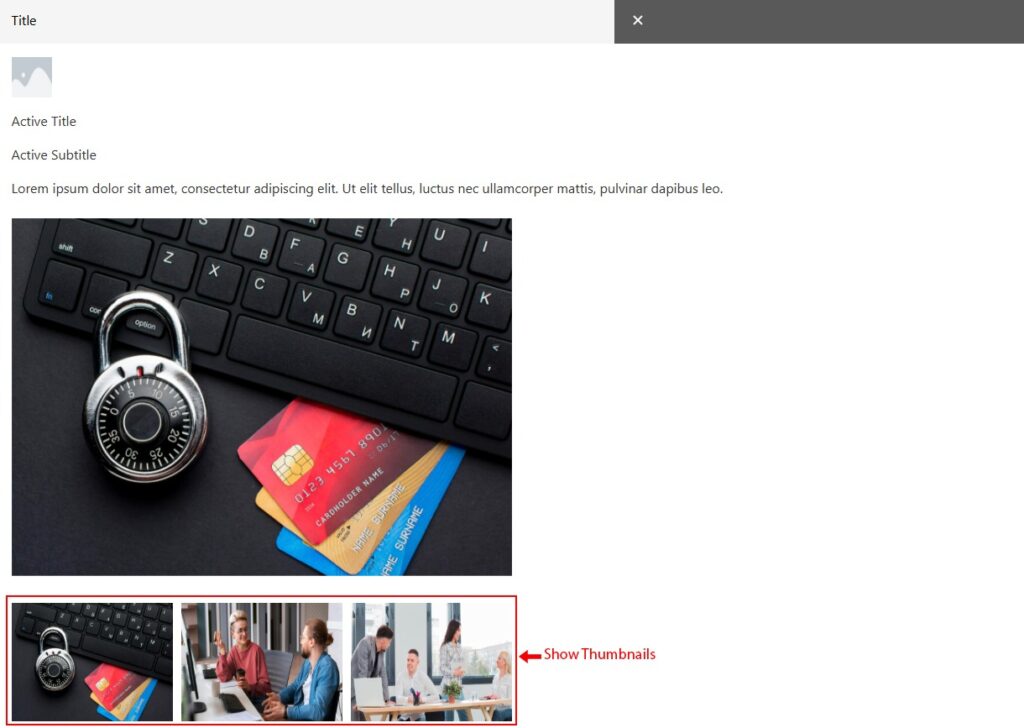
- Thumbnails to Show — sets how many thumbnails are visible.


- Thumbnails to Scroll — sets how many thumbnails scroll at once.

- Thumbnail Spacing — controls spacing between thumbnails.


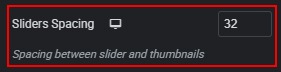
- Slider Spacing — controls spacing between thumbnails and the main slider image.

- Show Expand All — displays a button to open all accordions.


- Expand All Text — sets the button text when all accordions are closed.


- Collapse All Text — sets the button text when all accordions are open.


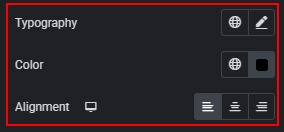
- Expanded text styling — typography, color, and alignment (when Expand All is enabled).
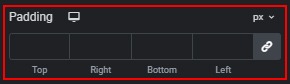
- Expand button padding — adjusts outer padding of the expand button.
 Content