


Frequently Asked Question
Learn how to use our plugins with step-by-step guides and practical examples
Additional Options
When you click Additional Options, advanced widget settings become available:
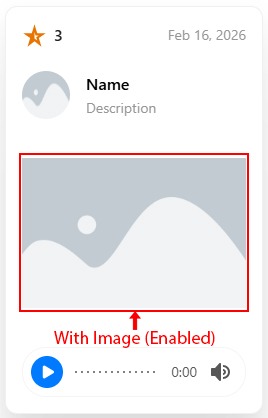
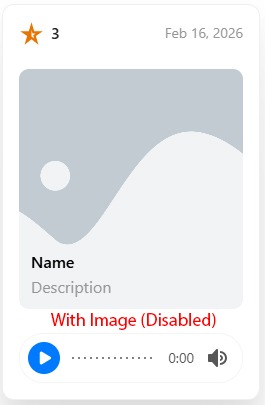
- With Image — enables image display inside slider cards, adds an image field to items, and modifies the card layout.

Preview card with “With Image” enabled:
Preview card with “With Image” disabled:
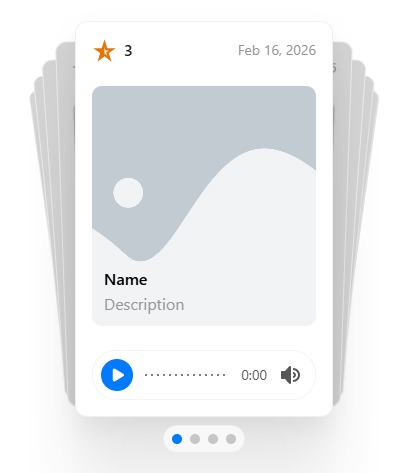
- Cards Effect — changes the widget layout and visual presentation when enabled.

- Loop — enables continuous slide looping. If disabled, the slider stops at the last slide.

- Autoplay — enables automatic slide switching.
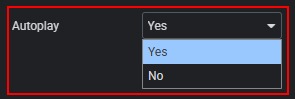
- Autoplay Speed — if Autoplay is enabled, defines the delay (in seconds) between slides.

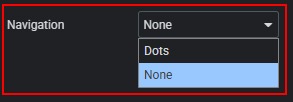
- Navigation — choose the navigation type: Dots or None.
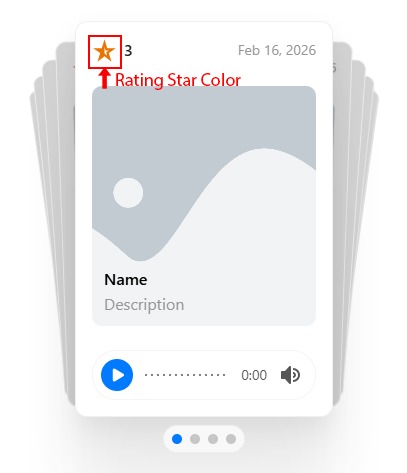
- Rating Star Color — changes the color of the rating icons.

 Content