


Frequently Asked Question
Learn how to use our plugins with step-by-step guides and practical examples
Content
To add a new tab to the widget, click the widget on the page, go to the Content tab, and click the Add Item button.
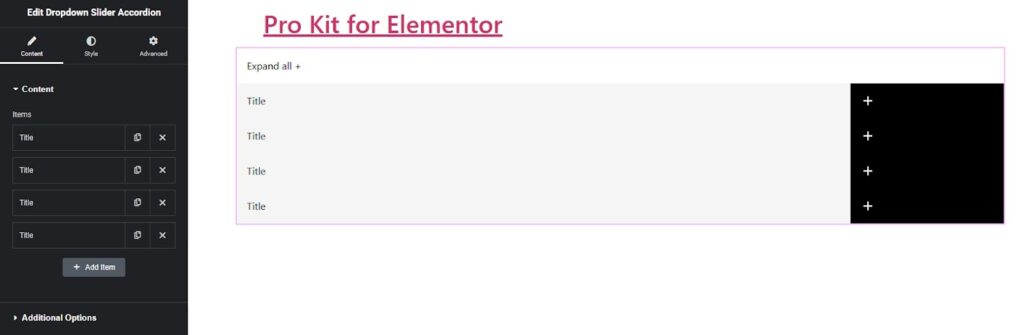
After adding one or more items, you can configure them using two tabs:
- On the normal tab:
- Change the accordion title.
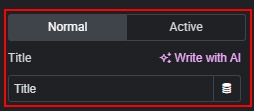
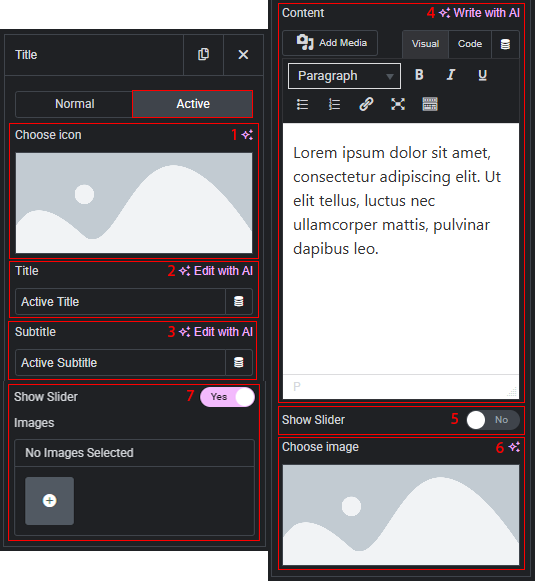
- On the active tab:
- Change the icon.
- Change the title.
- Change the subtitle.
- Change the content.
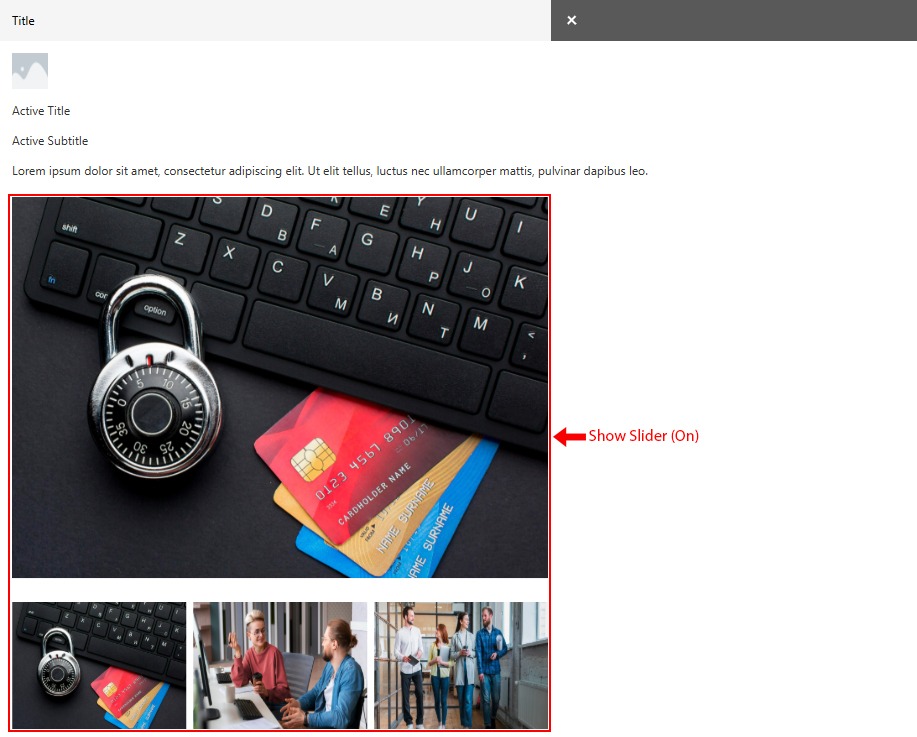
- Enable or disable the slideshow display.
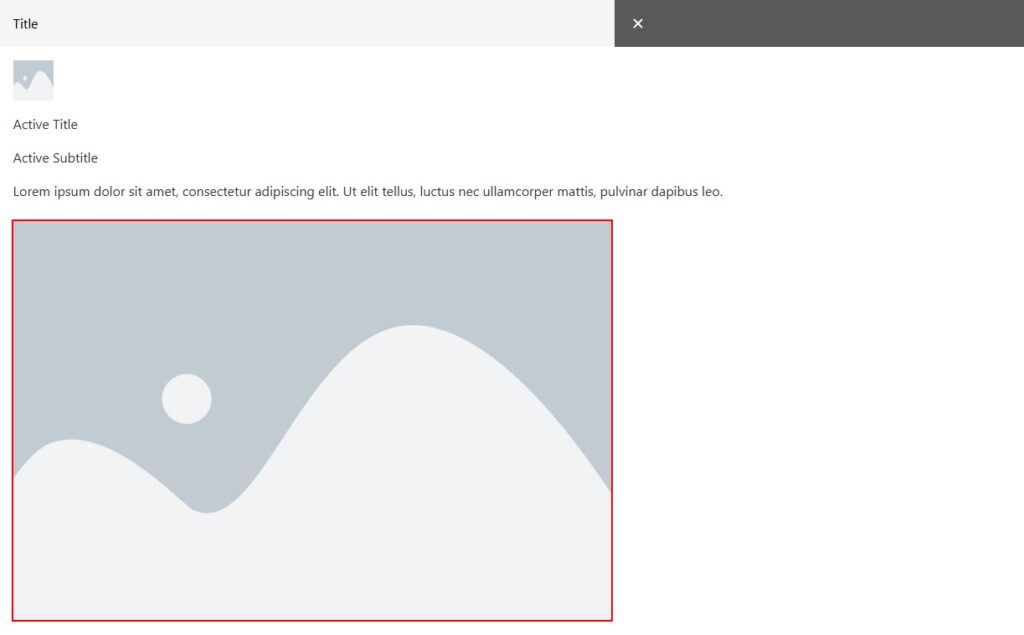
- If the slideshow is disabled, you can set a single image.
- If the slideshow is enabled, you can add multiple images that will be displayed in the slider.
Appearance when the slideshow is disabled — displays a single image.
Appearance when the slideshow is enabled — displays an image slider.
 Dropdown Slider Accordion