


Frequently Asked Question
Learn how to use our plugins with step-by-step guides and practical examples
Additional Options
When you click Additional Options, advanced widget settings become available, including:
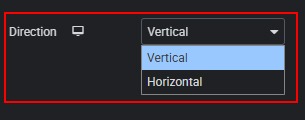
- Direction — changes the slider direction.
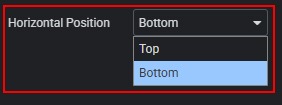
- Horizontal Position — changes the horizontal position of the thumbnail display.
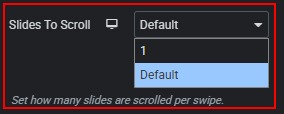
- Slides to Scroll — defines how many slides move with a single swipe or navigation action.
- Loop — enables continuous looping of slides. If disabled, the slider stops at the last slide.

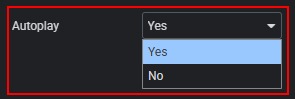
- Autoplay — enables automatic slide switching.
- Autoplay Speed — if Autoplay is enabled, sets the delay (in seconds) before switching to the next slide.

- Video Muted — mutes the video by default.

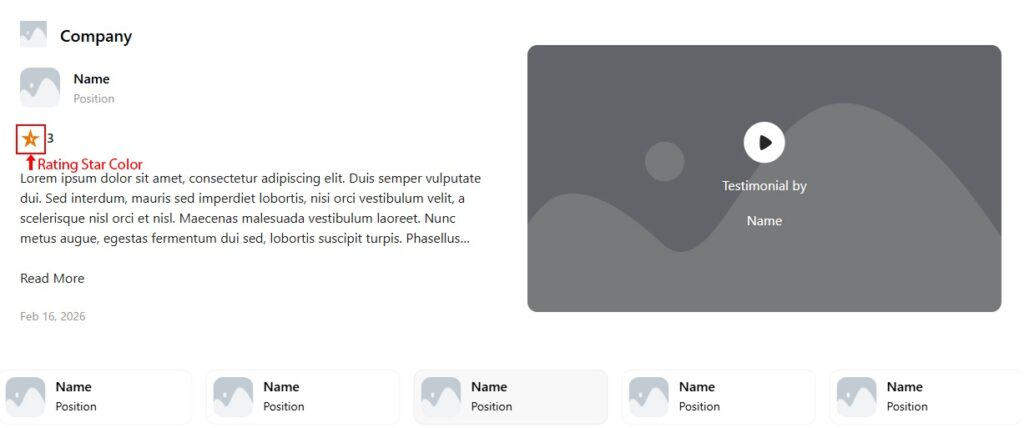
- Rating Star Color — changes the color of the rating icons.

 General Options