


Frequently Asked Question
Learn how to use our plugins with step-by-step guides and practical examples
Content Styles
In the Content Styles section, you can:
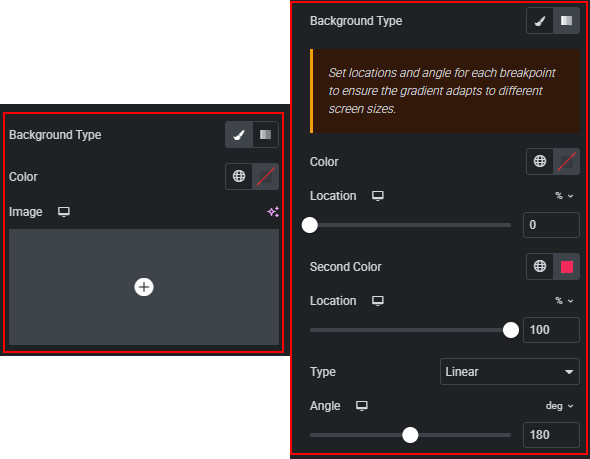
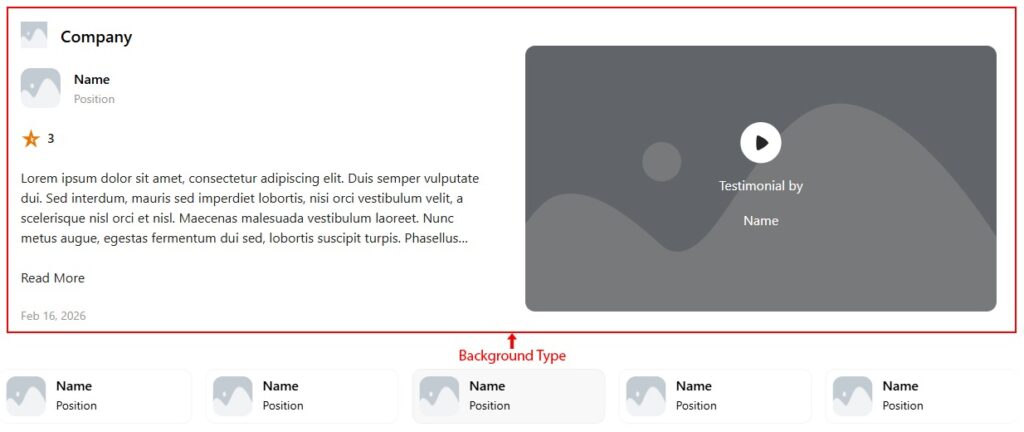
- Change the content background: set a color, add an image, adjust its position and size, or apply a gradient.
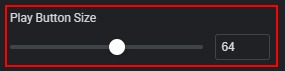
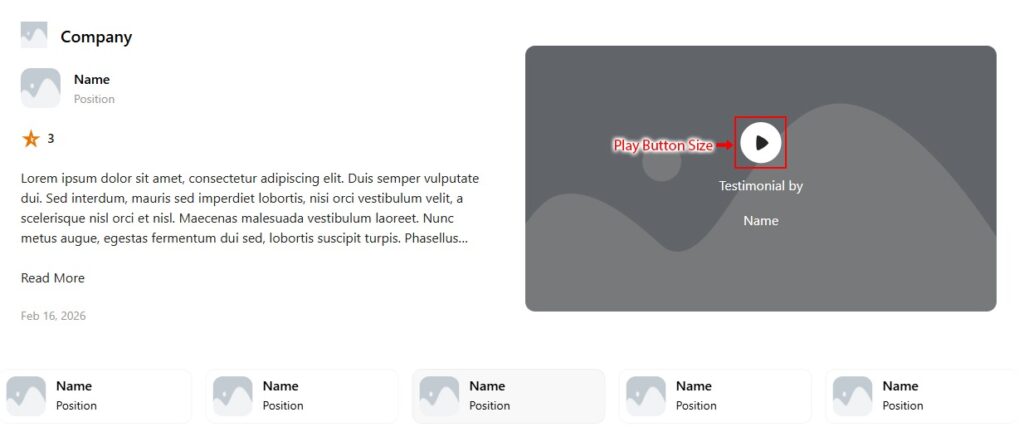
- Change the play button size.
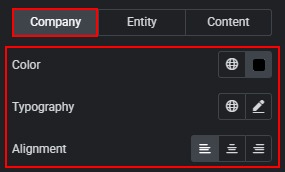
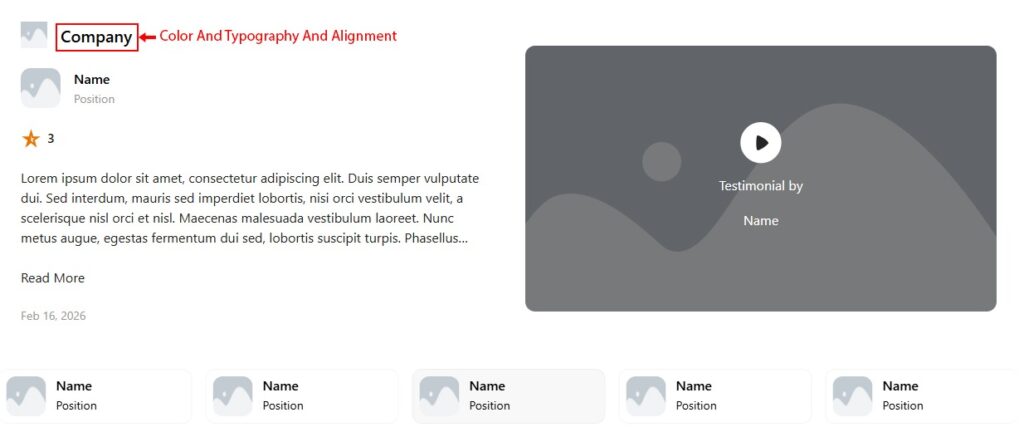
- In the Company tab, you can change the color, typography, and alignment of the company text.
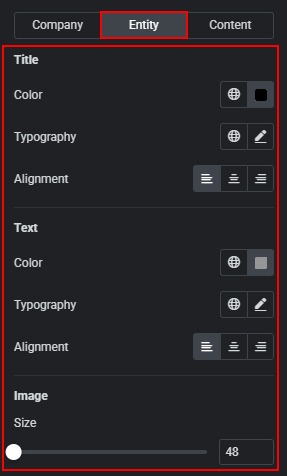
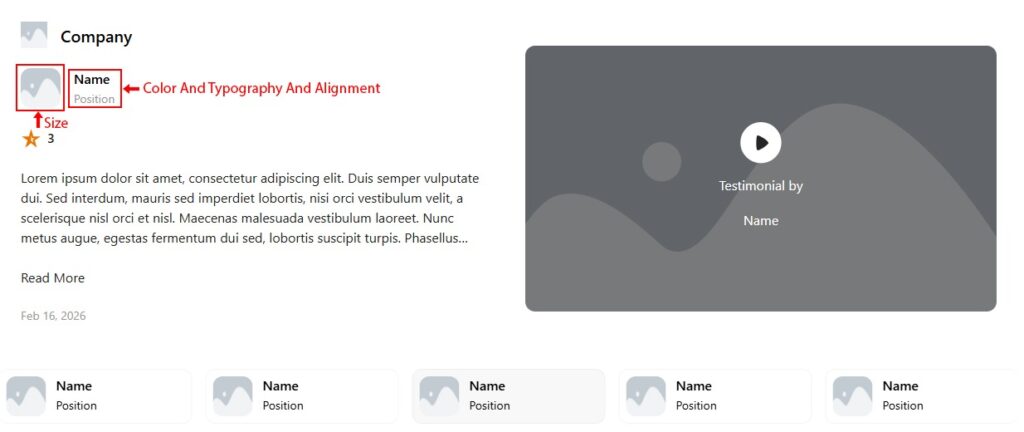
- In the Entity tab, you can change the color, typography, and alignment of the name and position. Change the image size.
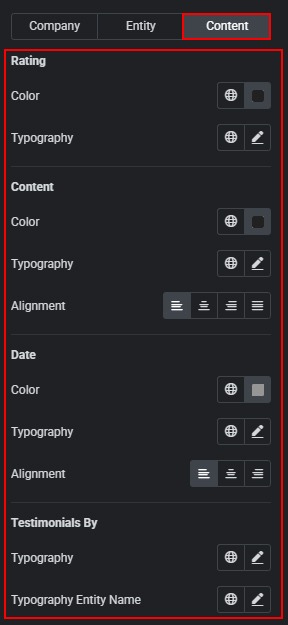
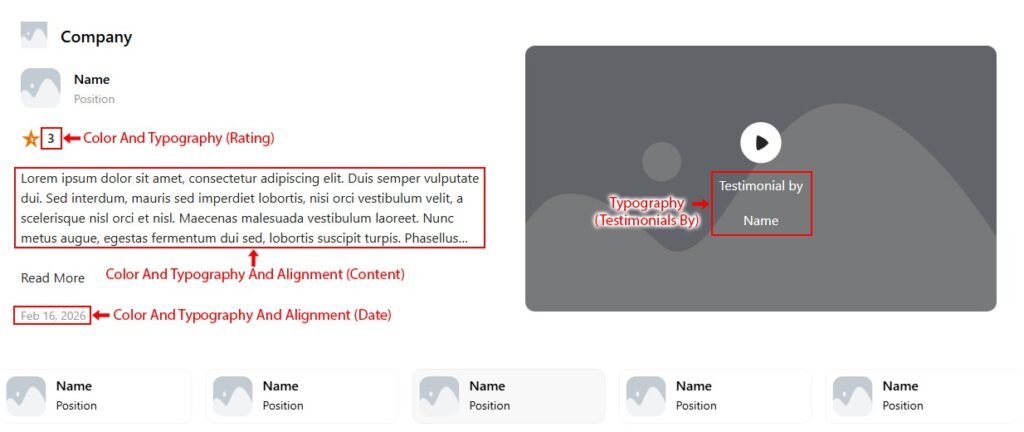
- In the Content tab, you can change the color and typography of the rating text. Change the color, typography, and alignment of the content and date. Change the typography of the “Testimonial by” text and the testimonial entity name.
 Item Styles