


Frequently Asked Question
Learn how to use our plugins with step-by-step guides and practical examples
Player Styles
In the Player Styles section, you can customize the audio player appearance:
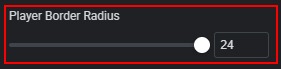
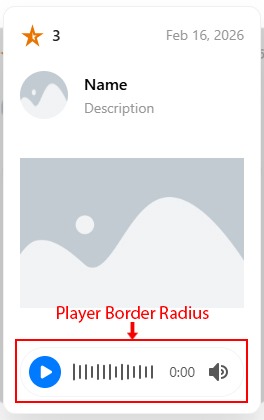
- Change the player border radius.
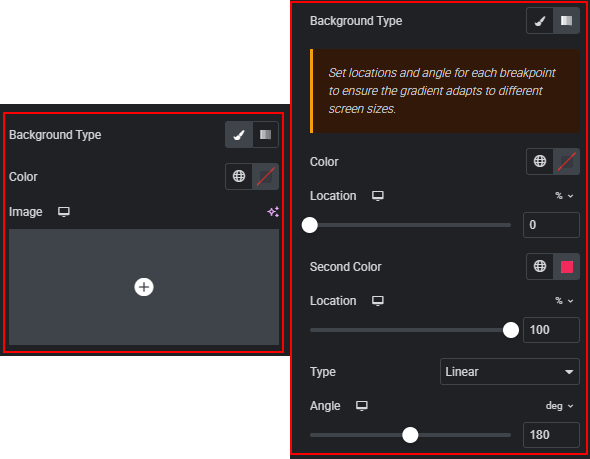
- Set the player background (color, image, gradient, position, and size).
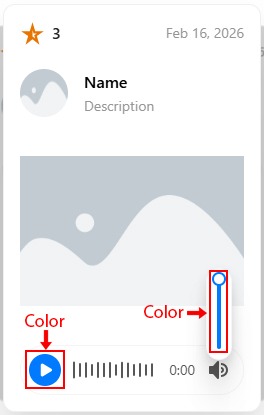
- Change the color of the play button and volume slider.
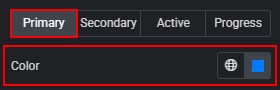
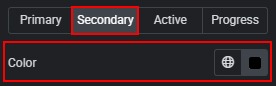
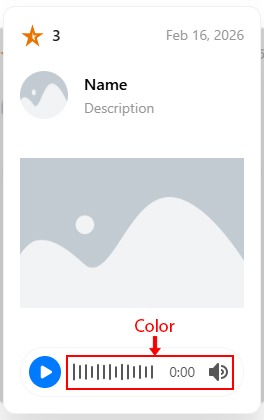
- Change the color of the waveform, timer, and volume icon.
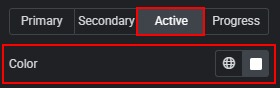
- Change the active state color for the waveform, timer, and volume icon.
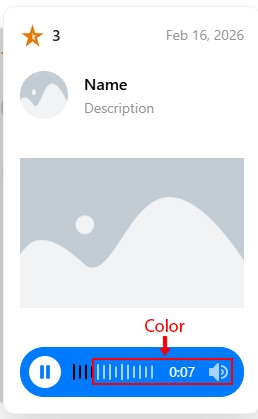
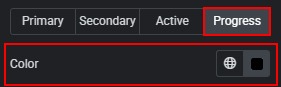
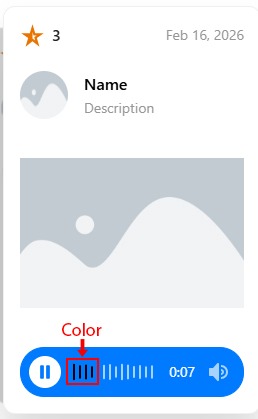
- Change the progress waveform color.
 Content Styles