


Frequently Asked Question
Learn how to use our plugins with step-by-step guides and practical examples
Card Styles
In the Card Styles section, you can:
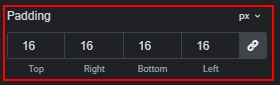
- Adjust card padding.
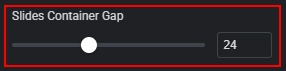
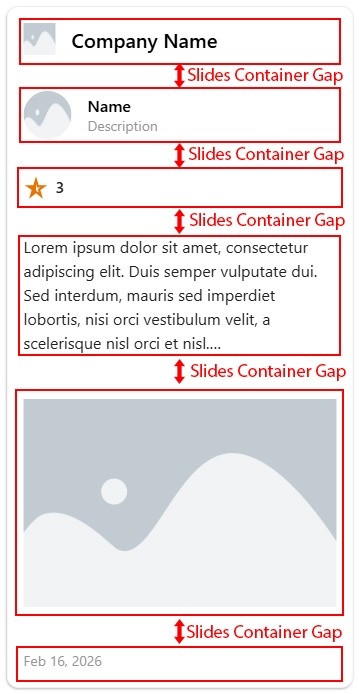
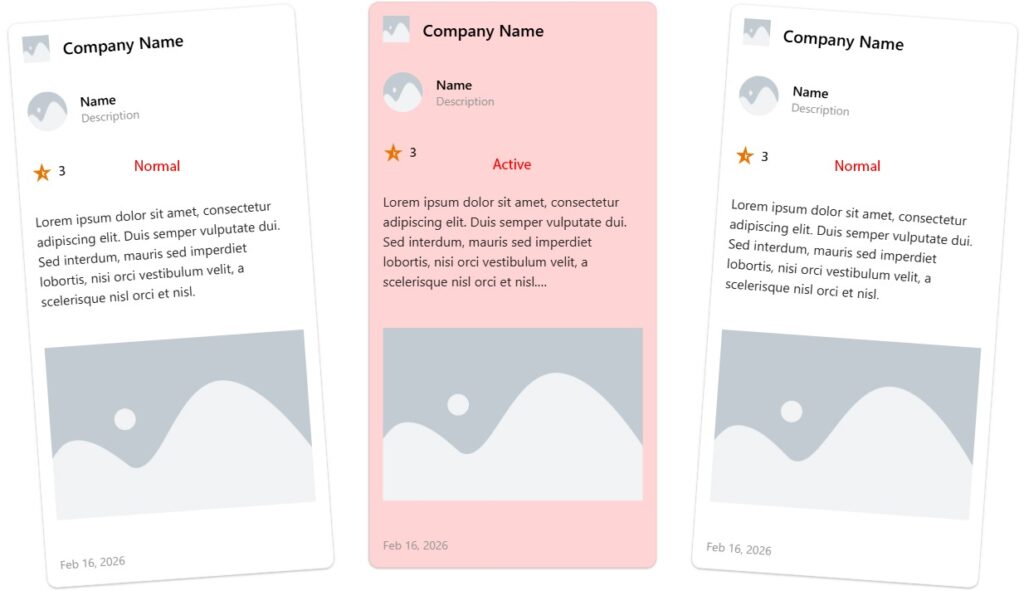
- Change the gap between slides.
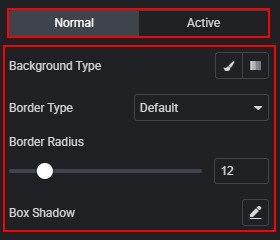
- Set background type (color, gradient, image). Configure border type and border radius. Add and customize box shadow for normal and active states.
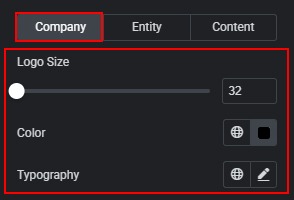
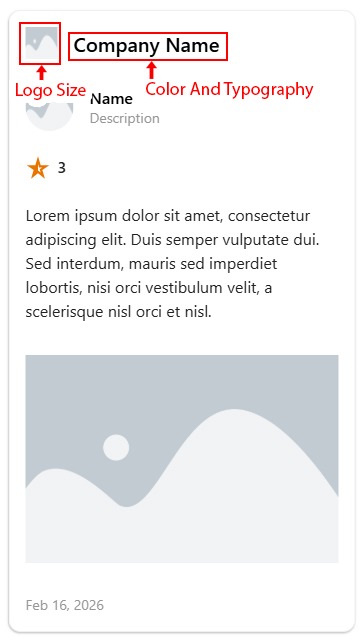
- Change logo size. Adjust typography and color for the company name.
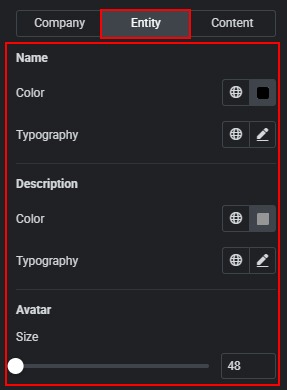
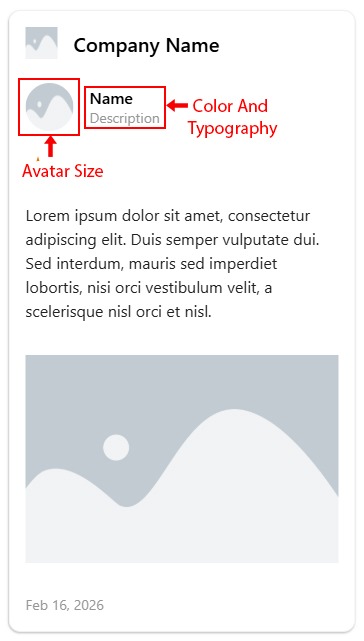
- Change typography and color for the name and description. Adjust avatar size.
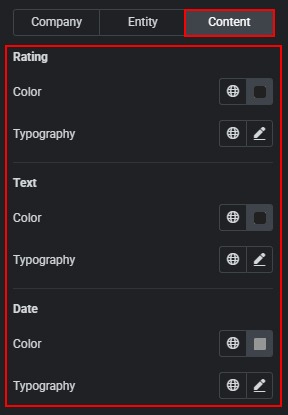
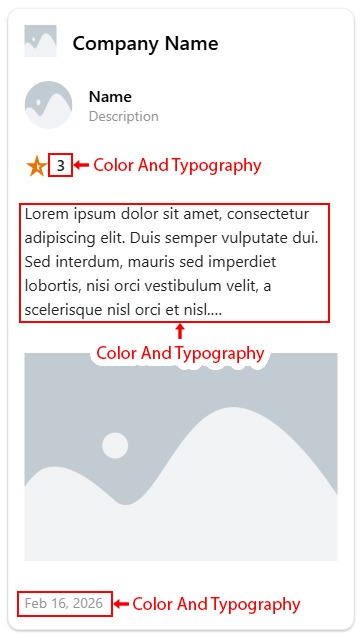
- Change typography and color for rating. Change typography and color for review text. Change typography and color for the date.
 General Styles