


Frequently Asked Question
Learn how to use our plugins with step-by-step guides and practical examples
Slide
In the Slide section, you can:
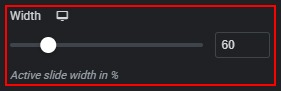
- Change the content width when the accordion is active.
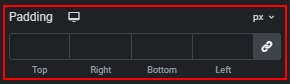
- Adjust the outer padding of the active content.
- Change the spacing between accordion items.
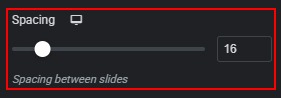
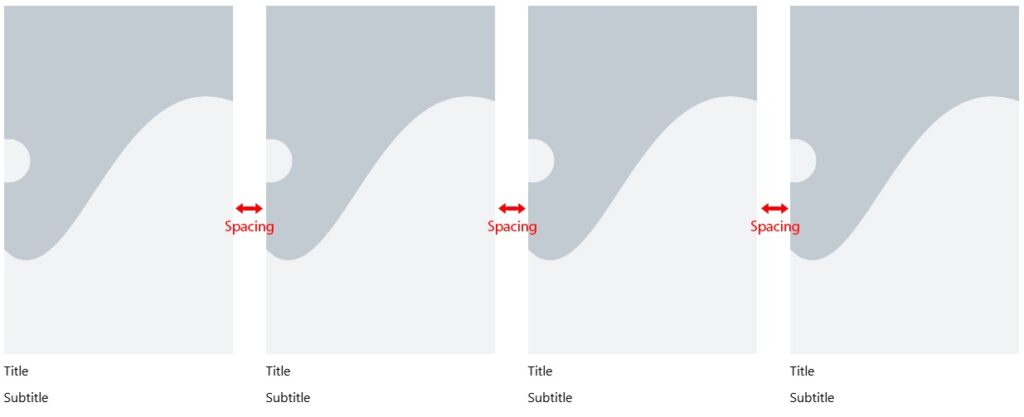
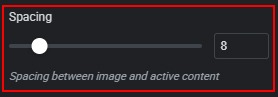
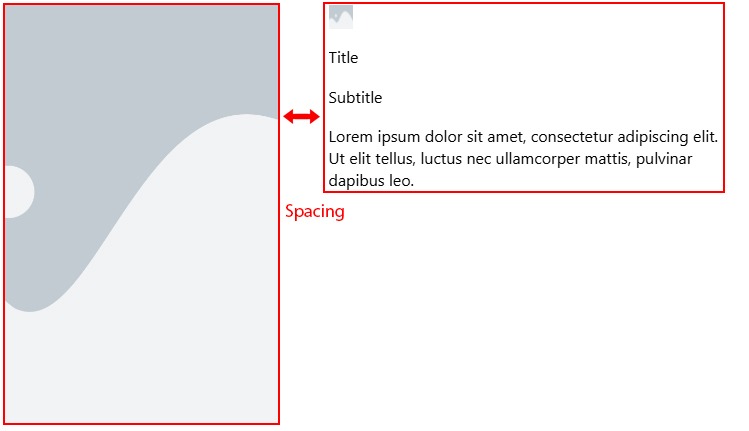
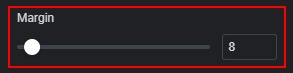
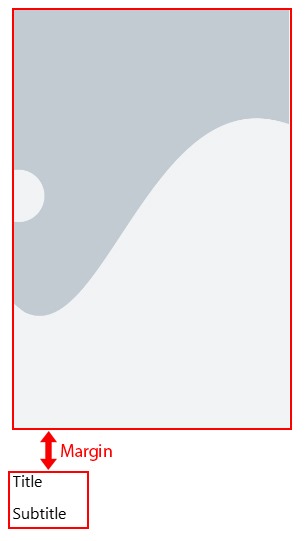
- Change the spacing between the image and the active content.
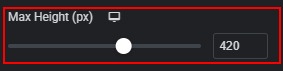
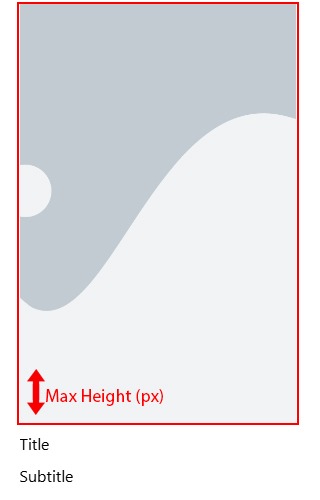
- Set the maximum image height.
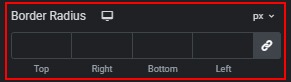
- Set the image border radius (preset or custom units).
- Adjust image margins.
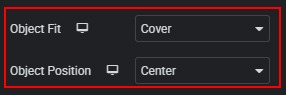
- Change object-fit and object-position settings.
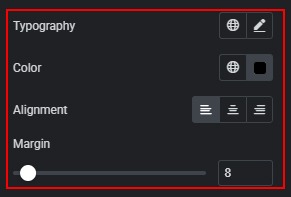
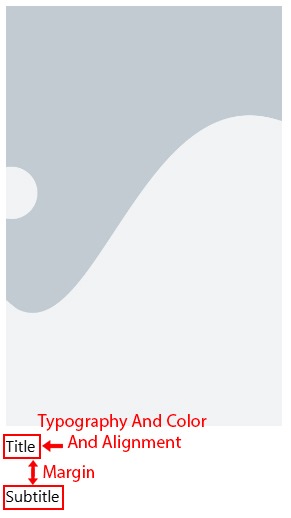
- Change typography, color, alignment, and margin for the accordion title.
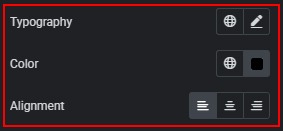
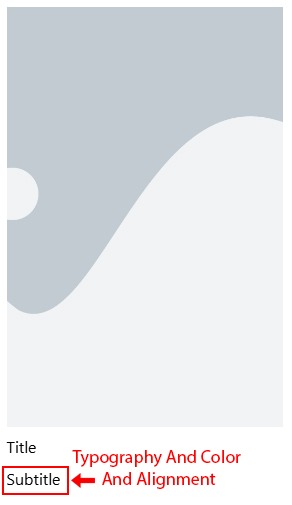
- Change typography, color, and alignment for the accordion subtitle.
- Change icon size. Adjust alignment. Set margins.
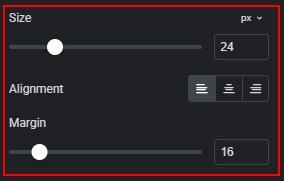
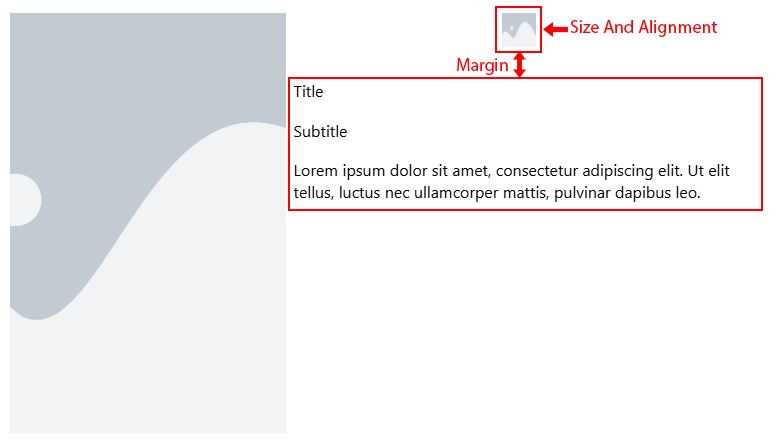
- Change typography, color, alignment, and margin for the active title.
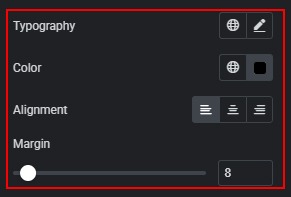
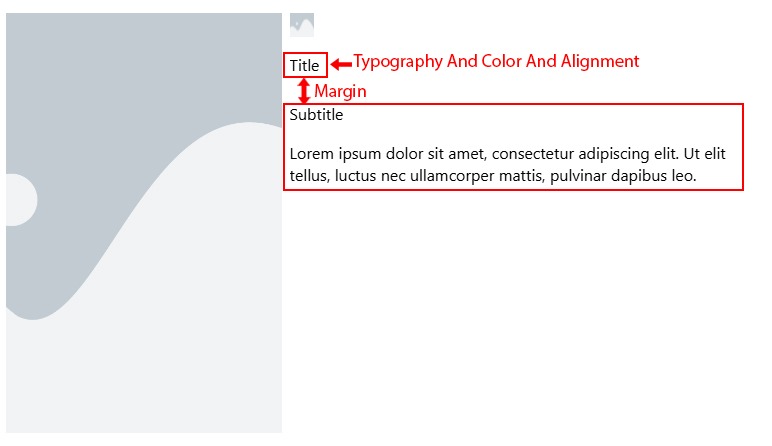
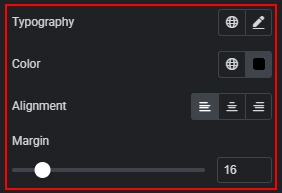
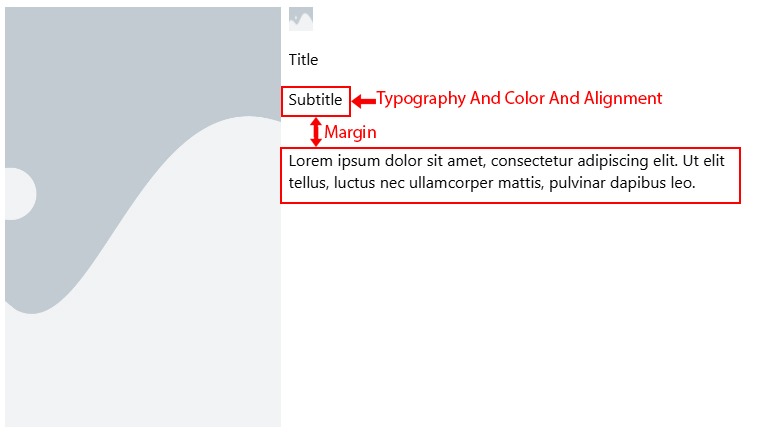
- Change typography, color, alignment, and margin for the active subtitle.
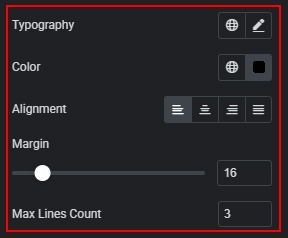
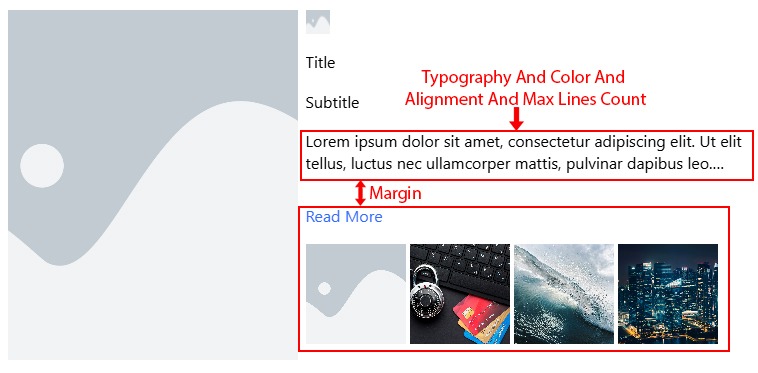
- Change typography, color, alignment, and margin. Set the maximum number of visible lines.
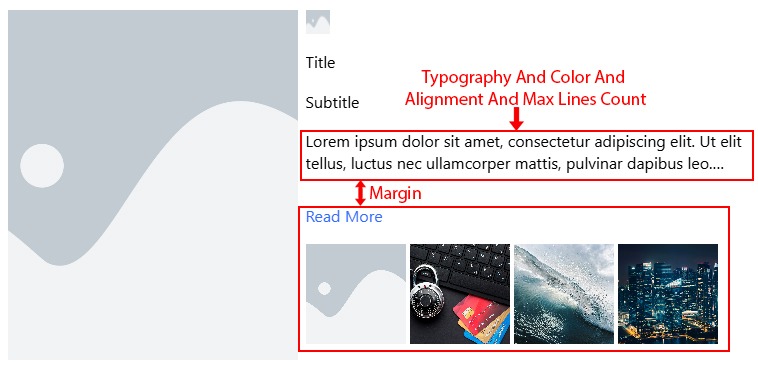
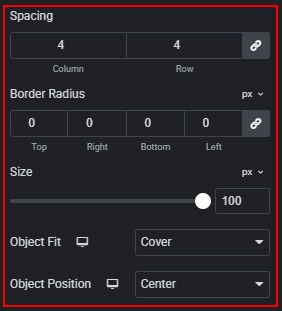
- Adjust spacing between gallery images. Set border radius. Change image size. Configure object-fit and object-position.
 Style
Style