


Frequently Asked Question
Learn how to use our plugins with step-by-step guides and practical examples
Additional Settings
When you click Additional Settings, advanced widget options become available:
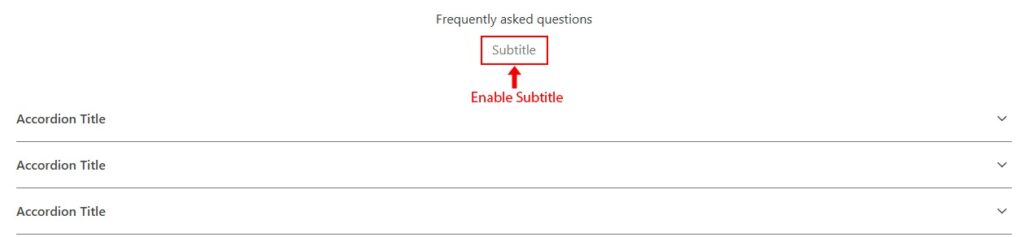
- Enable Subtitle — shows subtitles in the widget heading. When enabled, a subtitle field appears in the Heading tab.

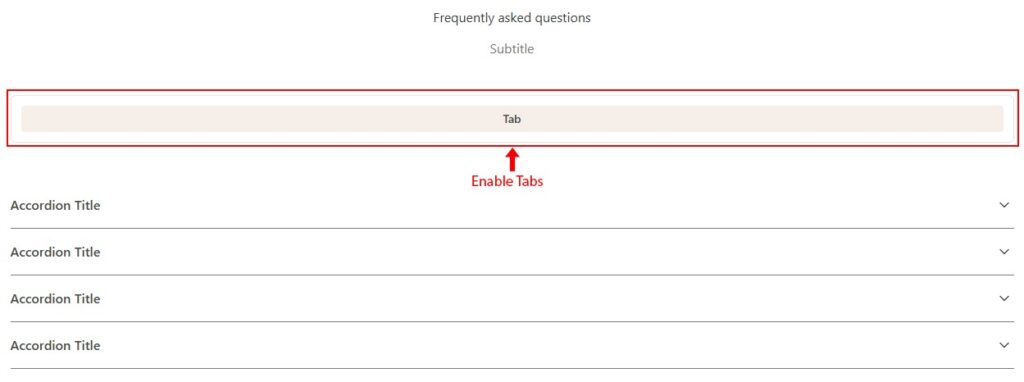
- Enable Tabs — displays tabs in the widget. When enabled:
- A tab title field appears for each item in the Items tab.
- A tabs template selector appears in Additional Settings.

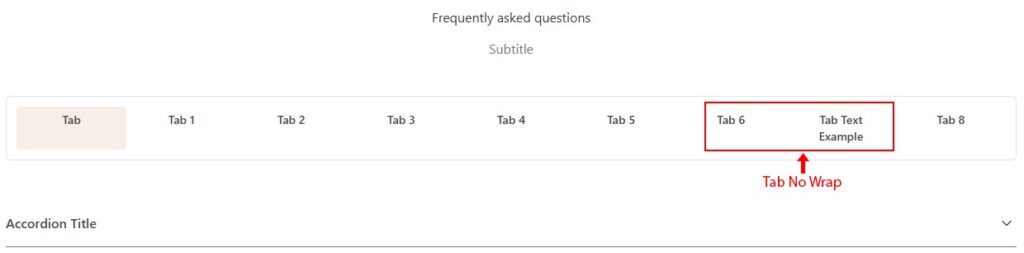
- Tab No Wrap — controls whether tab text wraps to a new line.

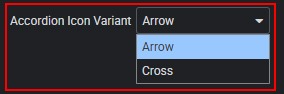
- Accordion Icon Variant — selects how icons are displayed in the accordion.

 Template Settings