


Frequently Asked Question
Learn how to use our plugins with step-by-step guides and practical examples
Card Template
To add a new tab to the widget, click the widget on the page, go to the Content tab, and click the Add Item button.
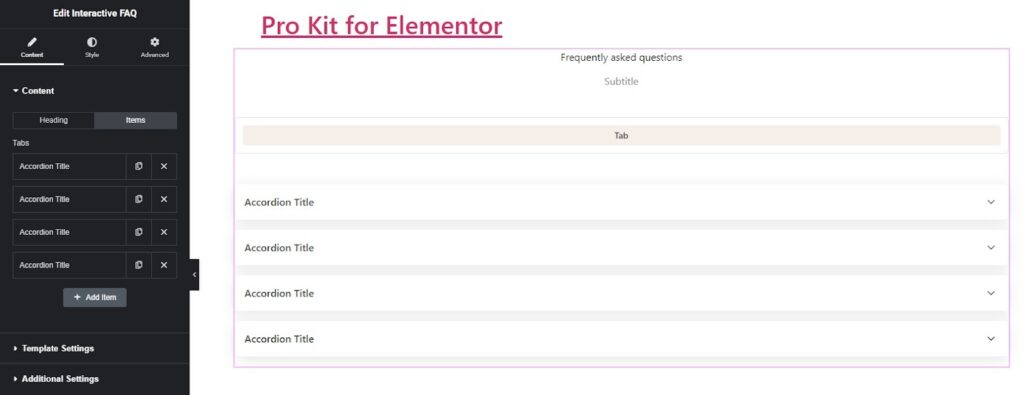
After adding one or more items, you can configure them as follows:
- On the heading tab:
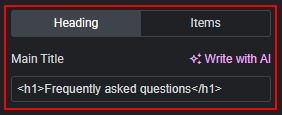
- Change the section title.
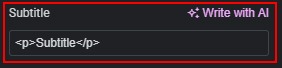
- Change the section subtitle.
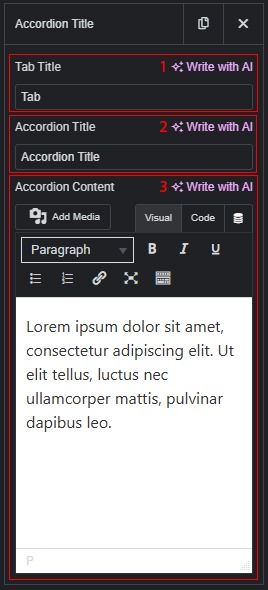
- On the items tab:
- Change the tab title.
- Change the accordion title.
- Change the accordion content.
 Plain Template