


Frequently Asked Question
Learn how to use our plugins with step-by-step guides and practical examples
Popup Styles
The Popup Styles tab includes:
- Selecting the pop-up position.
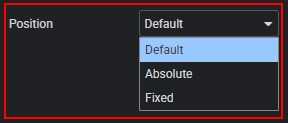
- Adjusting the pop-up z-index.

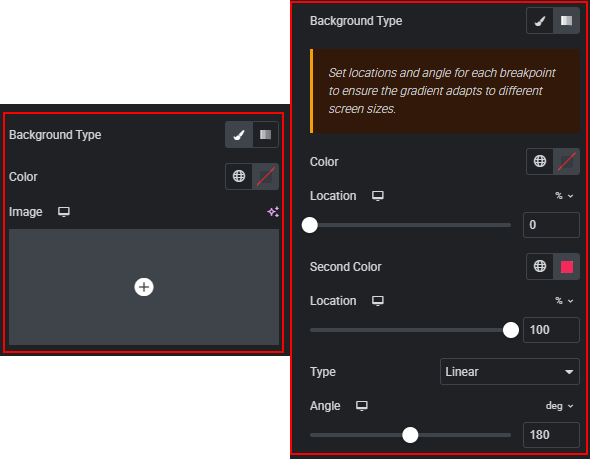
- Changing the pop-up background: set a color, add an image, adjust its position and size, or use a gradient.
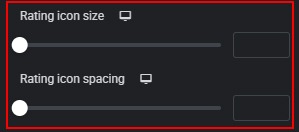
- Adjusting the spacing and size of rating star icons in the pop-up.
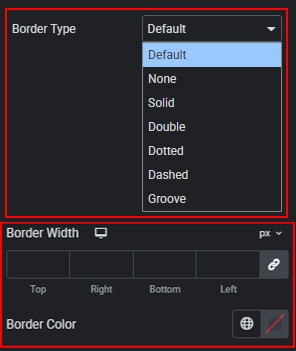
- Selecting and customizing the pop-up border type, width, and color.
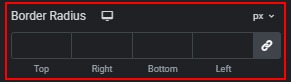
- Setting the pop-up border radius using predefined or custom units.
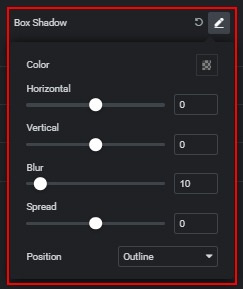
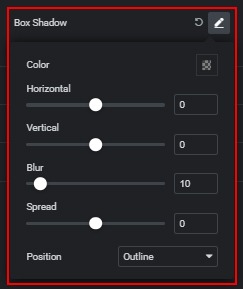
- Adding a box shadow to the pop-up with advanced settings.
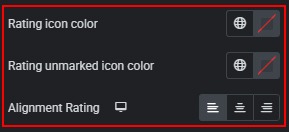
- Changing the colors and alignment of filled and unmarked rating icons.
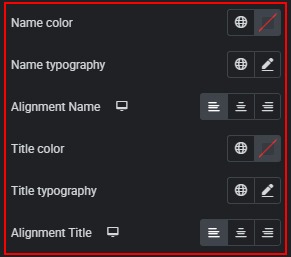
- Customizing the color, typography, and alignment of the Name and Title.
- Customizing the color, typography, and alignment of the description.
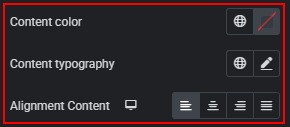
- Changing logo alignment in the pop-up.

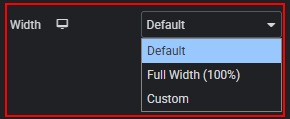
- Adjusting the logo width in the pop-up.
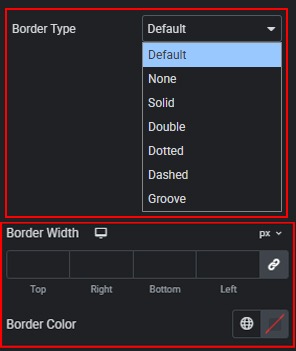
- Selecting and customizing the logo border type, width, and color in the pop-up.
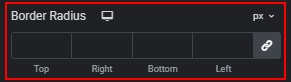
- Setting the logo border radius using predefined or custom units in the pop-up.
- Adding a box shadow to the logo in the pop-up.
 Slider Styles