


Frequently Asked Question
Learn how to use our plugins with step-by-step guides and practical examples
Options
When you open the Options section while editing the widget, the following behavior settings become available:
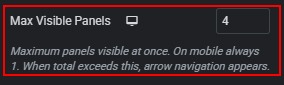
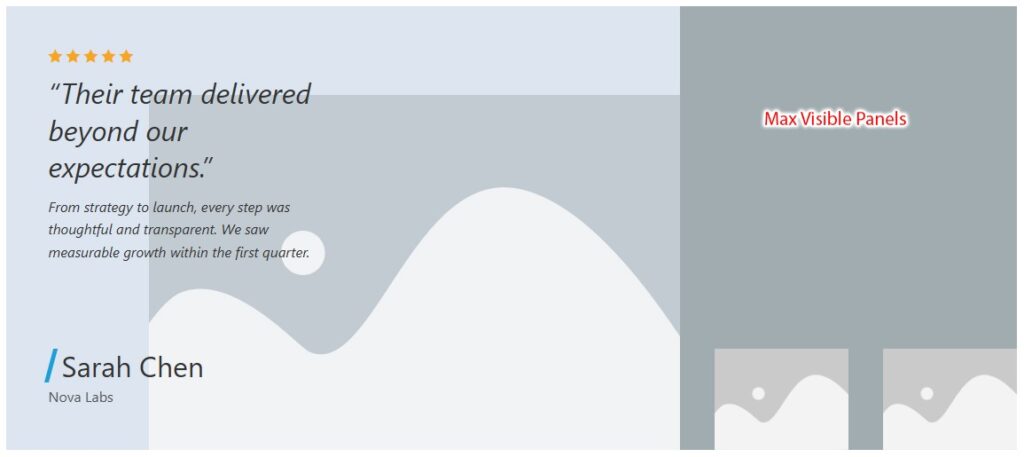
- Max Visible Panels — sets the maximum number of panels visible at the same time. Allowed range: 1 to 4. Defaults: Desktop 4, Tablet 2, Mobile 1. On mobile, only one panel is always shown. When the total number of testimonials exceeds this value, navigation is displayed automatically.
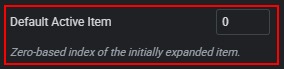
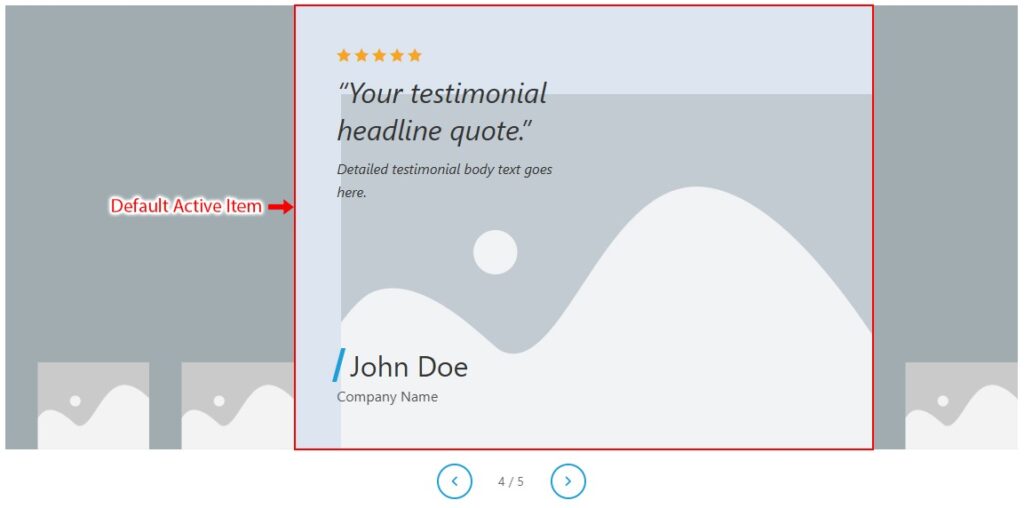
- Default Active Item — sets which testimonial is expanded when the page loads. Uses a zero-based index: 0 = first item, 1 = second item, and so on. Default: 0.
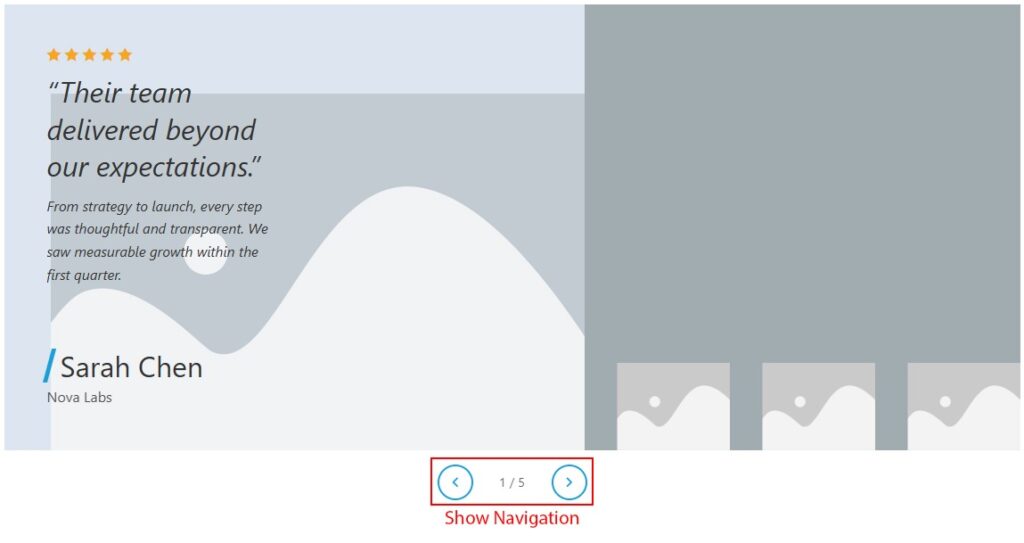
- Show Navigation — enables or disables the entire navigation bar below the widget. Enabled by default (Yes). When disabled, arrows, counter, and play/pause controls are hidden.

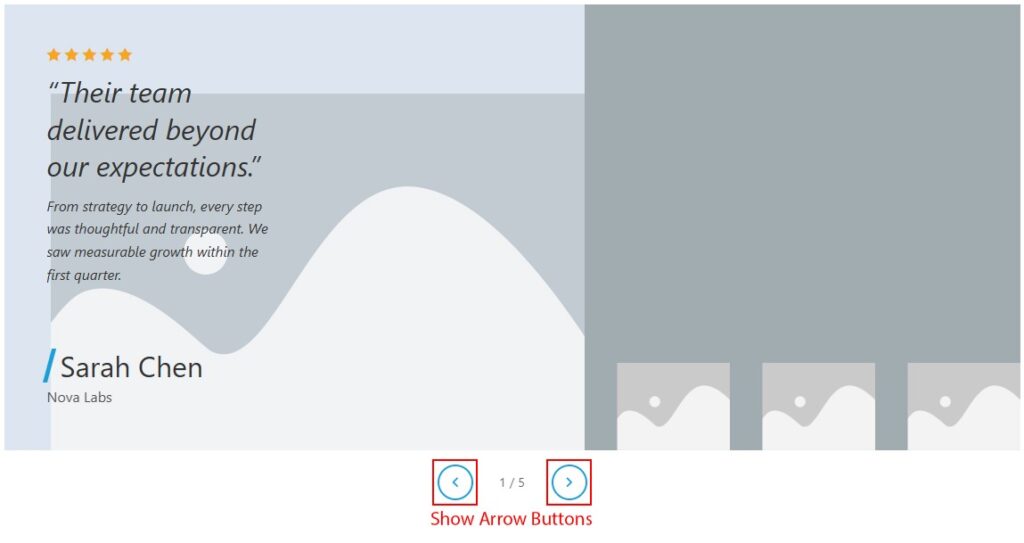
- Show Arrow Buttons — shows or hides the previous and next arrow buttons in the navigation bar. Enabled by default (Yes). Available only when Show Navigation is enabled.

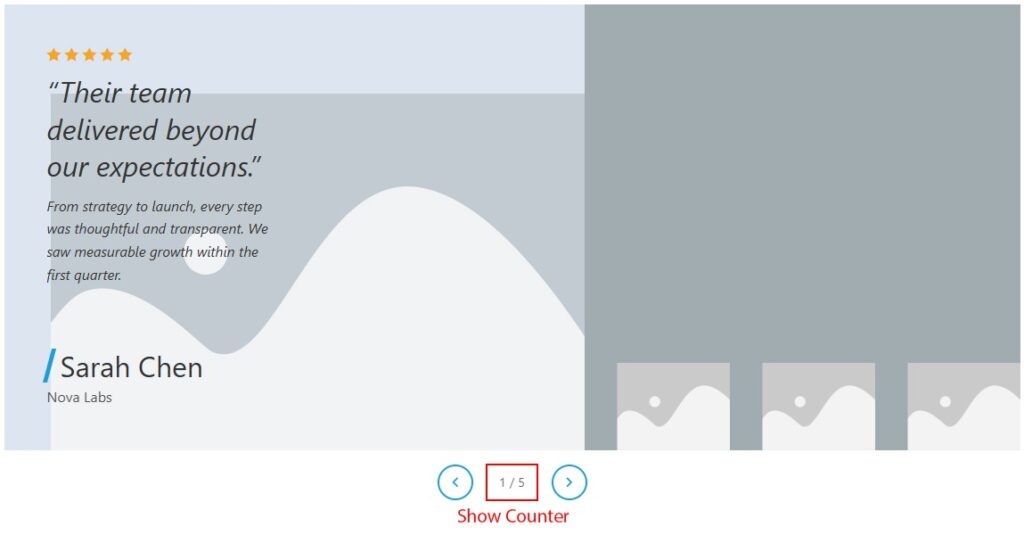
- Show Counter — shows or hides the numeric counter (for example, 2 / 4) in the navigation bar. Enabled by default (Yes). Available only when Show Navigation is enabled.

- Autoplay — enables automatic switching to the next testimonial after a set interval. Disabled by default (No).

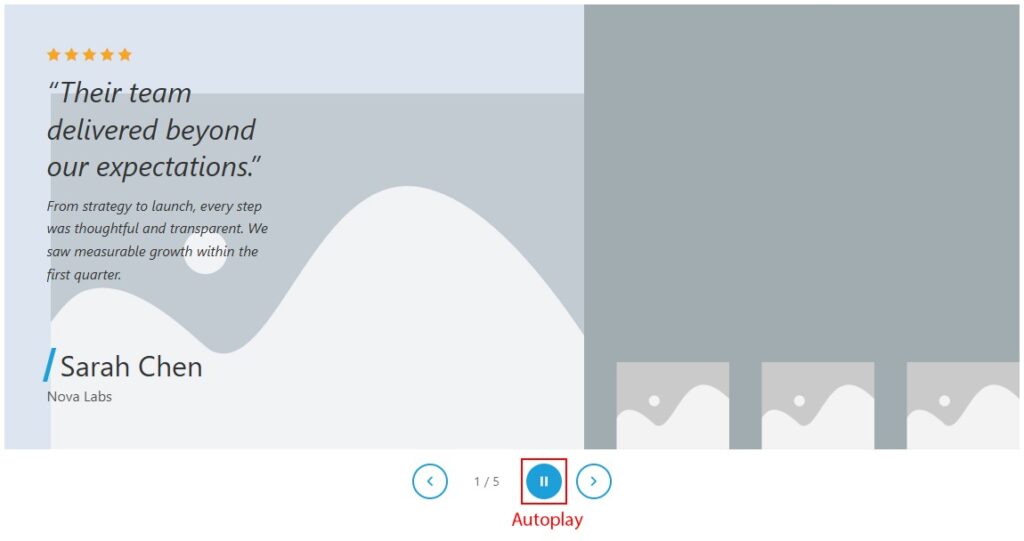
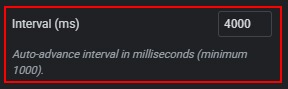
- Interval (ms) — sets the autoplay delay in milliseconds. Minimum value: 1000. Default: 4000. Available only when Autoplay is enabled. When Autoplay is enabled, a Play / Pause button also appears in the navigation bar.
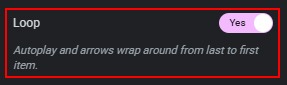
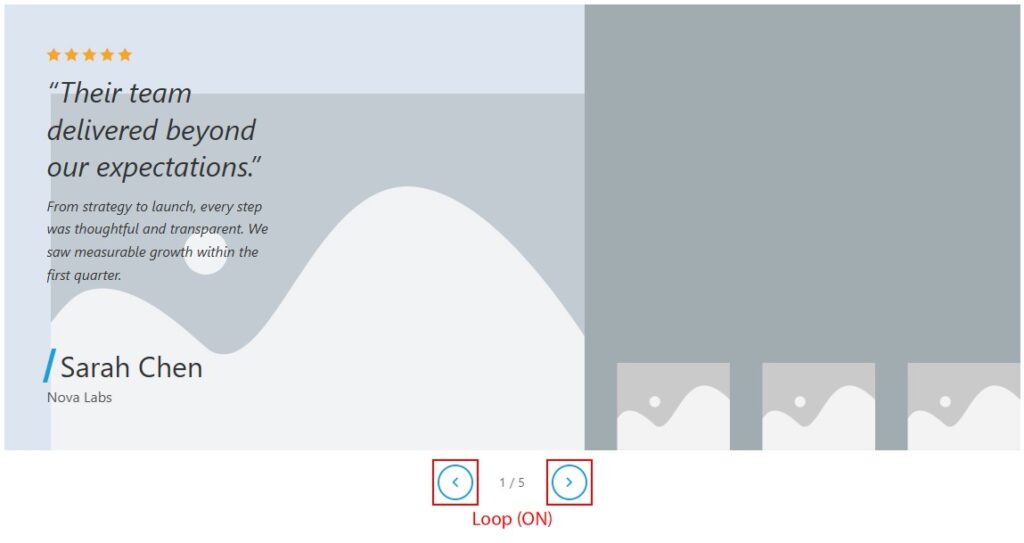
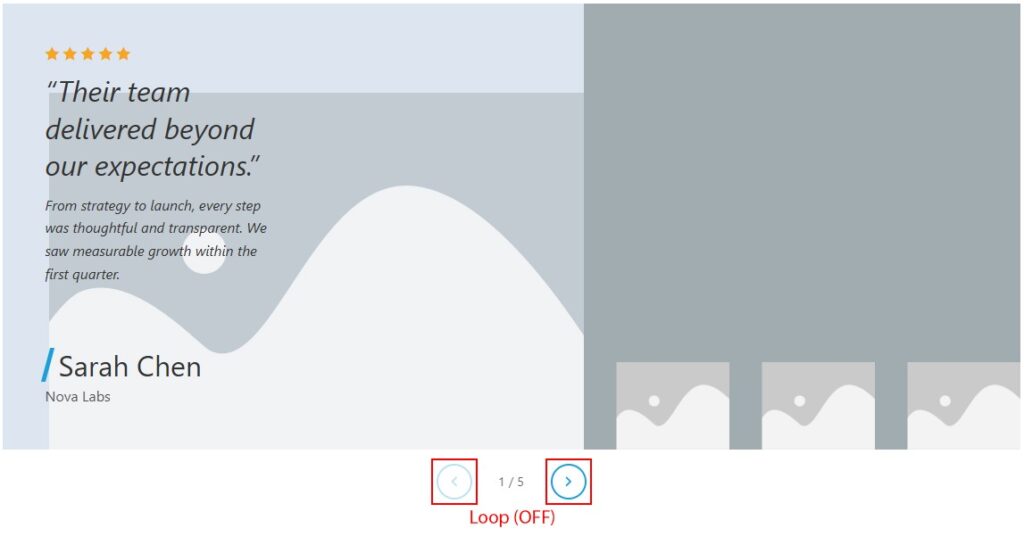
- Loop — enables continuous looping. When enabled, autoplay and arrow navigation wrap from the last testimonial back to the first and from the first to the last. Enabled by default (Yes). When disabled, previous/next arrows become disabled at the first and last items.
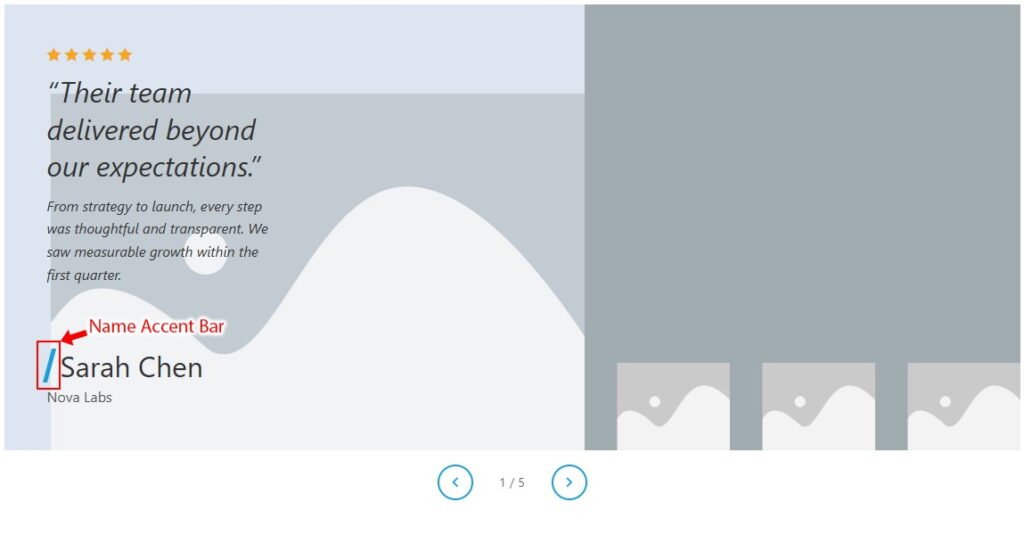
- Name Accent Bar — shows or hides the colored skewed bar displayed before the author name. Enabled by default (Show). When hidden, the left accent bar is removed and name padding adjusts automatically.

 Content