


Frequently Asked Question
Learn how to use our plugins with step-by-step guides and practical examples
Additional Options
If you click Additional Options, additional widget settings will become available, including:
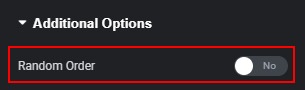
- Random Order — allows the order of cards to be randomized when the page is loaded or reloaded.
- Show Lines With Text — specifies the number of text lines after which the Read More button appears to open the pop-up (from 1 to 21 lines).

- Loop — enables continuous looping of slides. If disabled, the slider will stop at the last slide without returning to the first.

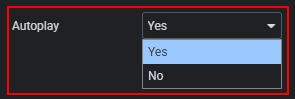
- Autoplay — enables automatic slide switching.
- Autoplay Speed — if Autoplay is enabled, defines the delay (in seconds) before switching to the next slide.

- Disable on Interaction — if Autoplay is enabled, determines whether autoplay stops after user interaction.

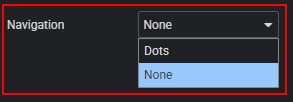
- Navigation — allows you to choose the navigation type: Dots or None.
 Global Options