


Frequently Asked Question
Learn how to use our plugins with step-by-step guides and practical examples
Additional Options
If you click Additional Options, extra widget settings will become available, including:
- Slide Shadows — enables the card shadow display.

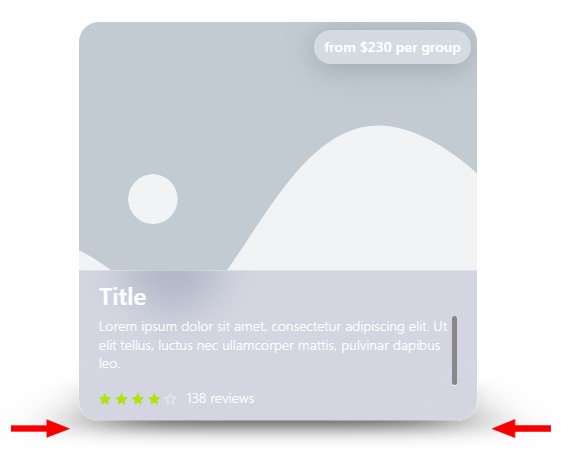
- Shadow Offset — adjusts the vertical position of the shadow reflection.

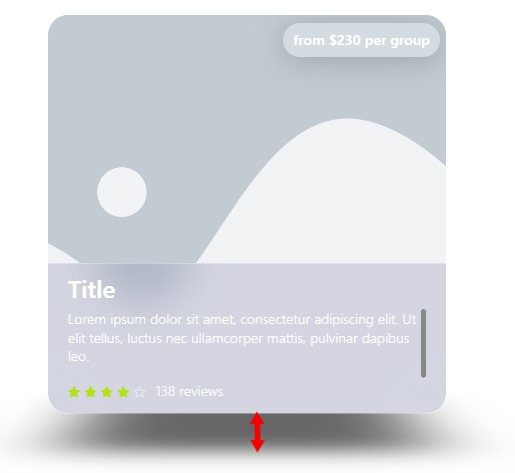
- Shadow Scale — changes the size of the shadow beneath the cards.

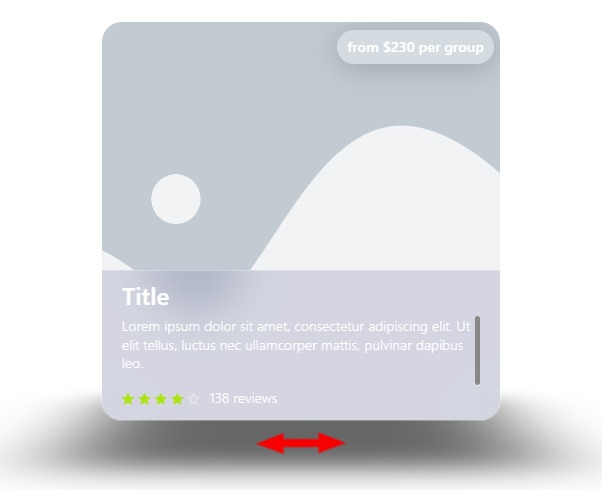
- Pause On Mouse Enter — pauses slide switching when the cursor is over a card.

- Reverse Direction — reverses the direction of card movement.

- Overlay — displays descriptions on all cards.

- Speed — controls the slide transition speed.

 Content