


Frequently Asked Question
Learn how to use our plugins with step-by-step guides and practical examples
Content
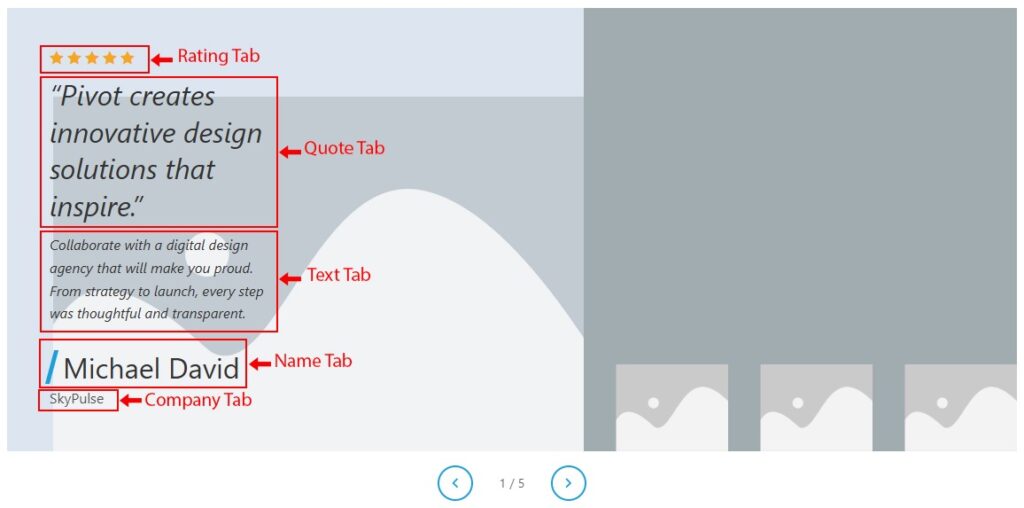
The Content style section contains tabs for Quote, Text, Rating, Name, and Company. These settings apply to text inside the expanded panel.
- In the Quote tab, you can:
- Alignment — sets the horizontal text alignment of the quote. Options: Left, Center, Right. Default: Left on all breakpoints.

- Color — sets the text color of the quote.

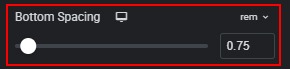
- Bottom Spacing — sets the space below the quote before the next element. Available units: px, em, rem. Default: Desktop/Tablet 0.75rem, Mobile 0.5rem. Range: px 0–60.
- Typography — customize quote typography.

- In the Text tabs, you can:
- Alignment — sets the horizontal text alignment of the body text. Options: Left, Center, Right. Default: Left on all breakpoints.

- Color — sets the text color of the body text.

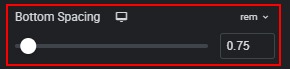
- Bottom Spacing — sets the space below the body text before the author block. Available units: px, em, rem. Default: Desktop/Tablet 0.75rem, Mobile 0.5rem. Range: px 0–60.
- Typography — customize body text typography.

- In the Rating tabs, you can:
- Alignment — sets the horizontal alignment of the star row. Options: Left, Center, Right. Default: Left on all breakpoints.

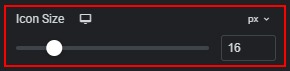
- Icon Size — sets the size of each star icon. Available units: px, em, rem. Default: Desktop/Tablet 16px, Mobile 14px. Range: px 8–48.
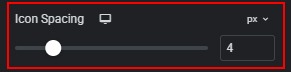
- Icon Spacing — sets the horizontal gap between star icons. Available units: px, em. Default: Desktop/Tablet 4px, Mobile 3px. Range: px 0–20.
- Marked Star Color — sets the color of filled (rated) stars. Default: #f5a623.

- Unmarked Star Color — sets the color of empty (unrated) stars. Default: #c5cdd3.

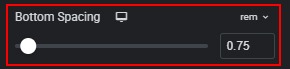
- Bottom Spacing — sets the space below the rating row before the quote. Available units: px, em, rem. Default: Desktop/Tablet 0.75rem, Mobile 0.5rem. Range: px 0–60.
- In the Name tabs, you can:
- Color — sets the text color of the author name.

- Typography — customize author name typography.

- Bar Color — sets the color of the skewed accent bar before the author name. Default: #1d9fd9.

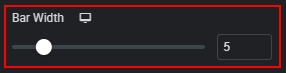
- Bar Width — sets the width of the accent bar. Unit: px. Default: Desktop/Tablet 5px, Mobile 4px. Range: 2–20px.
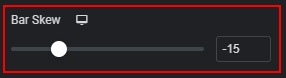
- Bar Skew — sets the skew angle of the accent bar. Unit: deg. Default: -15deg on all breakpoints. Range: -30deg to 30deg.
- In the Company tabs, you can:
- Color — sets the text color of the company label.

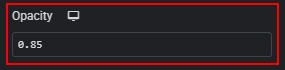
- Opacity — sets the opacity of the company text. Range: 0 to 1, step 0.05. Default: 0.85 on all breakpoints.
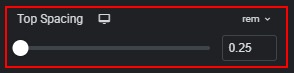
- Top Spacing — sets the space above the company label, below the author name. Available units: px, em, rem. Default: Desktop/Tablet 0.25rem, Mobile 0.2rem. Range: px 0–40.
- Typography — customize company label typography.

 Panels