


Frequently Asked Question
Learn how to use our plugins with step-by-step guides and practical examples
Panels
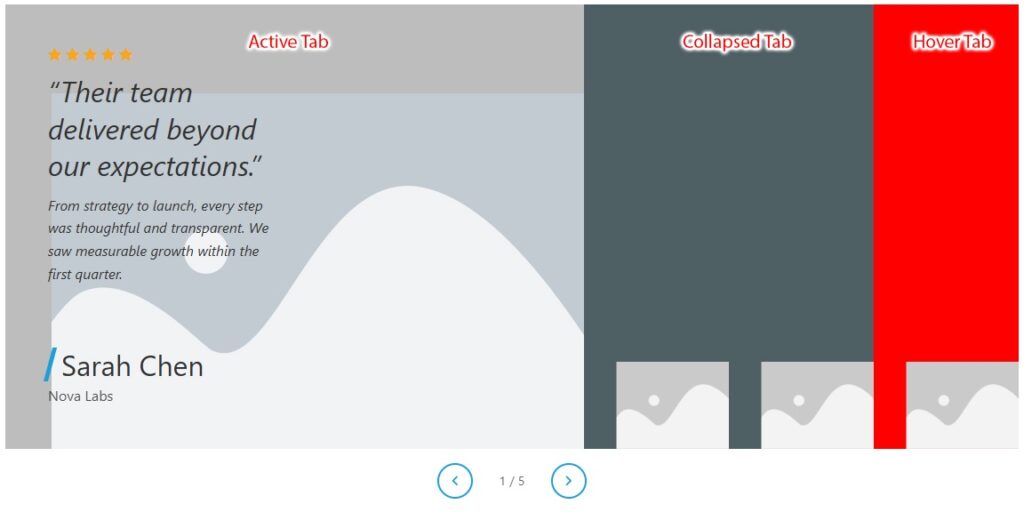
The Panels section controls background colors for collapsed, active, and hover states.
- In the Collapsed tab, you can:
- Background — customize the background of collapsed (inactive) panels. Supports classic color, image, and gradient backgrounds.
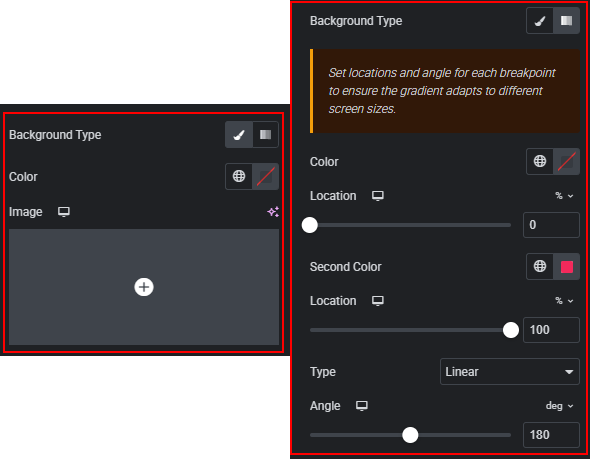
- Fallback Background — sets the fallback CSS background color used by collapsed panels. Default: #a0acb0. Used when no advanced background is applied.

- In the Active tab, you can:
- Background — customize the background of the expanded active panel. Supports classic color, image, and gradient backgrounds.
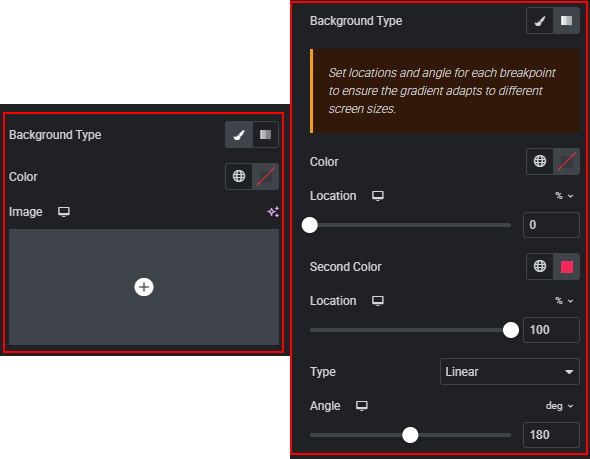
- Fallback Background — sets the fallback CSS background color used by the active panel. Default: #dce5f0.

- In the Hover tab, you can:
- Collapsed Hover Background — sets the background color of collapsed panels when hovered with the mouse. Applies only to panels that are not currently active.

 Layout