


Frequently Asked Question
Learn how to use our plugins with step-by-step guides and practical examples
Navigation / Pagination / Arrows
The “Navigation” or “Pagination” or “Arrows” tab contains:
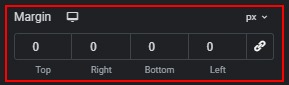
- Adjust outer margins.
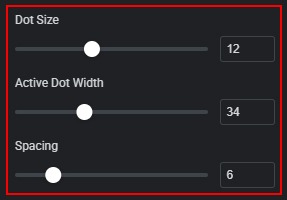
- Change the dot size, the width of the active dot, and the spacing between dots.
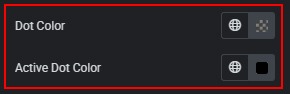
- Change dot color (normal and active states).
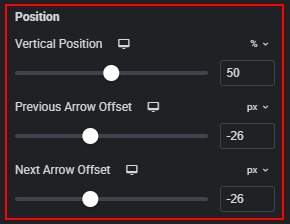
- Change the vertical position and offset of the “Previous” or “Next” arrows.
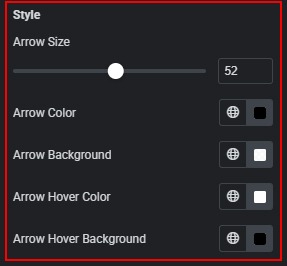
- Change arrow size and color and background (normal and hover states).
 Icons
Icons