


Frequently Asked Question
Learn how to use our plugins with step-by-step guides and practical examples
Layout
In “Layout”, you can:
In the Section tab, you can:
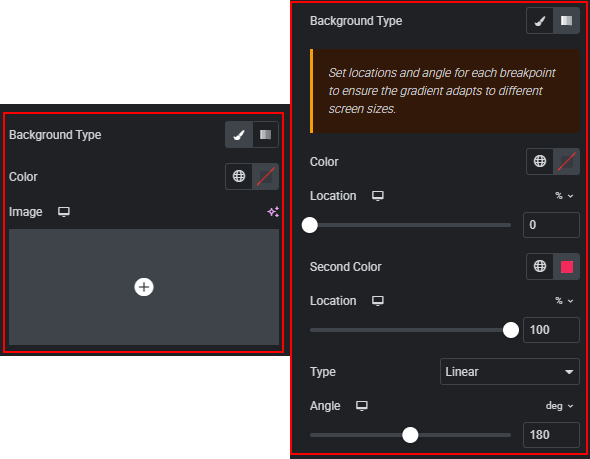
- Change the section background (color or image), adjust its position and size, or apply a gradient.
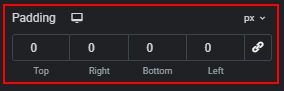
- Adjust outer paddings.
In the Card tab, you can:
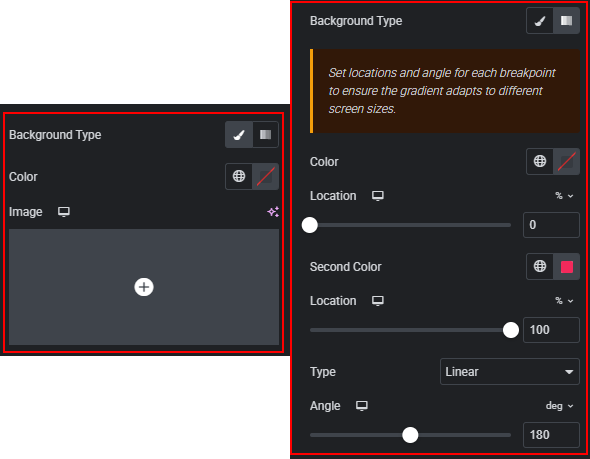
- Change the card’s background (color or image), adjust its position and size, or apply a gradient.
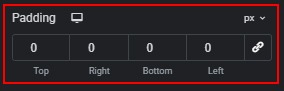
- Adjust outer paddings.
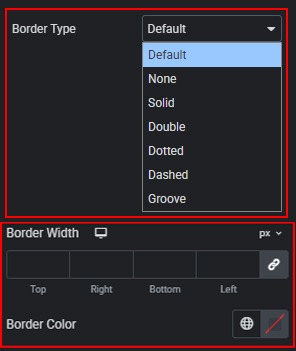
- Add borders to cards and customize their type, width, and color.
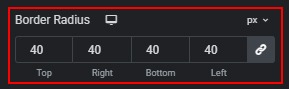
- Adjust the border radius of cards.
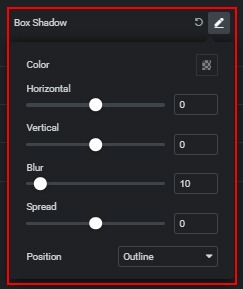
- Add a box shadow to cards.
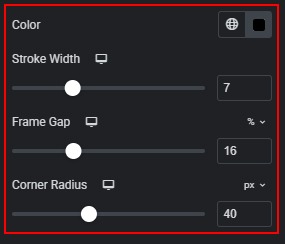
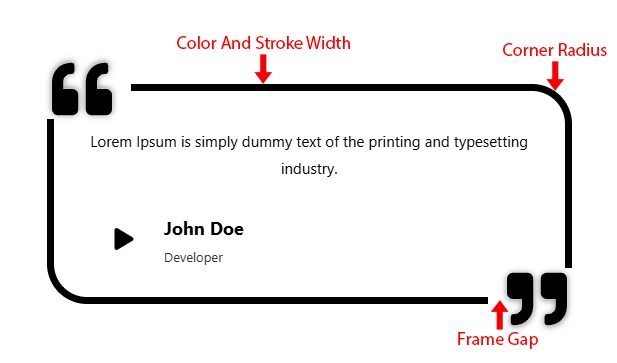
In the Frame tab, you can:
- Change the color, stroke width, frame gap, and corner radius.
 Style
Style