


Frequently Asked Question
Learn how to use our plugins with step-by-step guides and practical examples
Additional Options
Click Additional Options to access advanced widget settings, including:
- Start Cube X — sets the initial display position of the cube on the X axis.

- Start Cube Y — sets the initial display position of the cube on the Y axis.

- Interactive Icon — displays an interactive icon for controlling the cube.

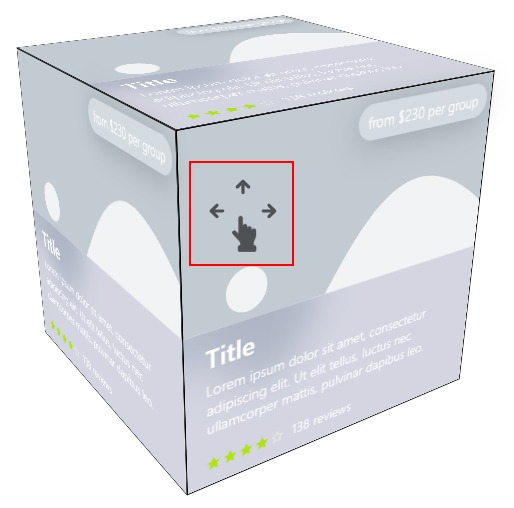
- Price — enables or disables global price display on all cube sides.

- Overlay — enables or disables the global overlay display on all cube sides.

- Cursor Grab — changes the cursor style when interacting with the cube.

- Animation — enables cube animation.

- Rotation X — enables cube rotation along the X axis.

- Rotation Y — enables cube rotation along the Y axis.

- Animation Speed — controls the cube animation speed.

- Rotation Speed — controls the speed of side switching when interacting with the cube.

 Content