


Frequently Asked Question
Learn how to use our plugins with step-by-step guides and practical examples
General Styles
If you open General Styles, you can:
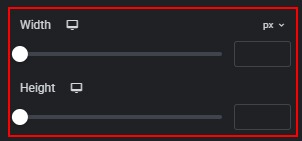
- Change the width and height of the cards.
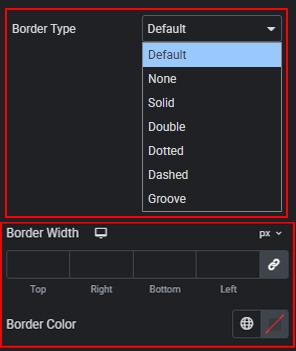
- Select a border type for the cards and customize its width and color.
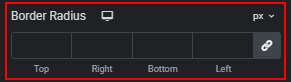
- Set the border radius for the cards using preset or custom units.
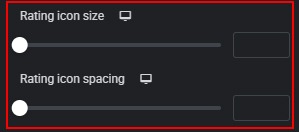
- Adjust the spacing and size of rating star icons.
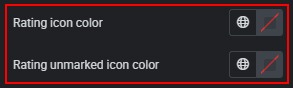
- Change the color of filled and unfilled rating icons.
 Style
Style