


Frequently Asked Question
Learn how to use our plugins with step-by-step guides and practical examples
Button Styles
In the Button Styles tab, you can:
- Change the button icon.
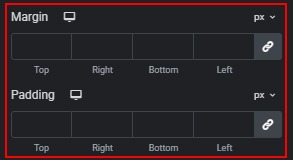
- Adjust button margin and padding.
- Change the icon position inside the button.

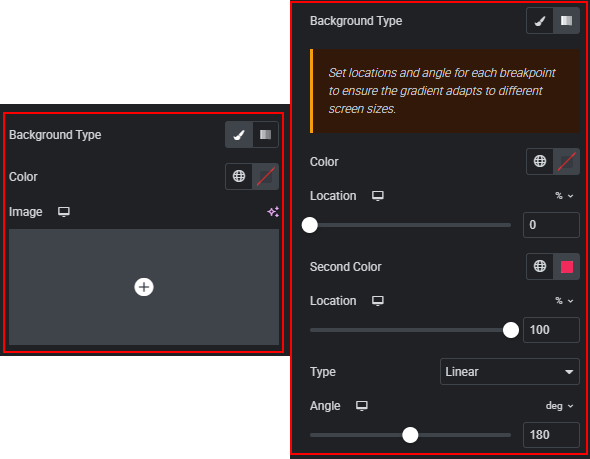
- Customize the background (normal and hover states), including color, image, and gradient.
- Change text color and typography for normal and hover states.
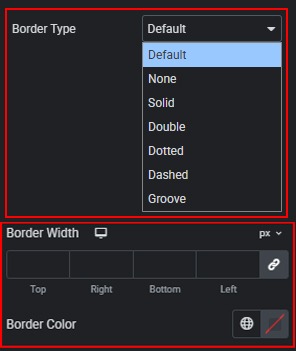
- Select and customize border types for normal and hover states.
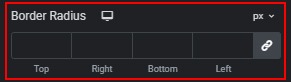
- Set border radius for normal and hover states.
 Slider Styles