


Frequently Asked Question
Learn how to use our plugins with step-by-step guides and practical examples
Images Styles
In the Images Styles tab, you can:
- Change the image position (left, right, top, or bottom).

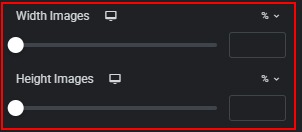
- Set the image width and height using %, px, or custom units.
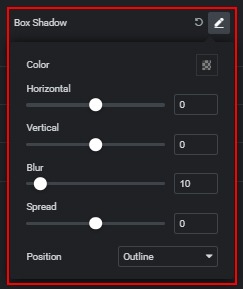
- Add a box shadow with advanced settings.
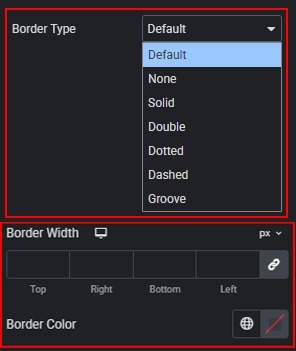
- Select and customize a border type, including width and color.
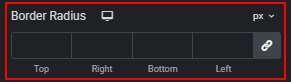
- Set the border radius with predefined or custom units.
 General styles