


Frequently Asked Question
Learn how to use our plugins with step-by-step guides and practical examples
Content
To add new reviews to the widget, click the widget on the page, go to the Content tab, and click the Add Item button.
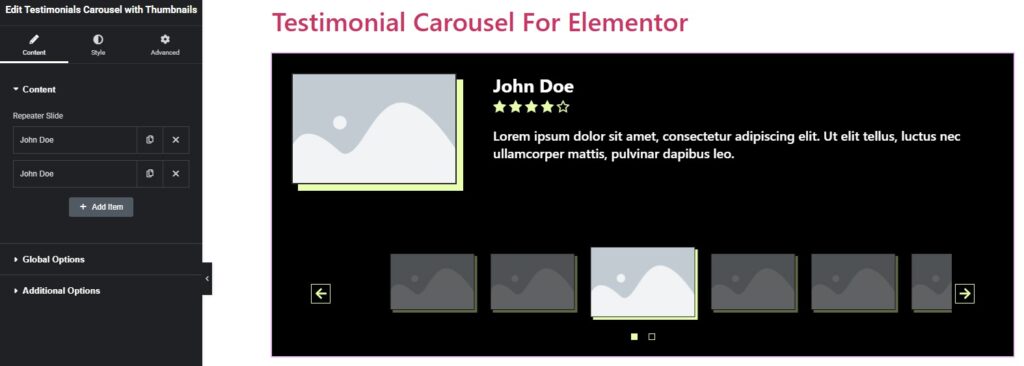
After adding a certain number of items, you can:
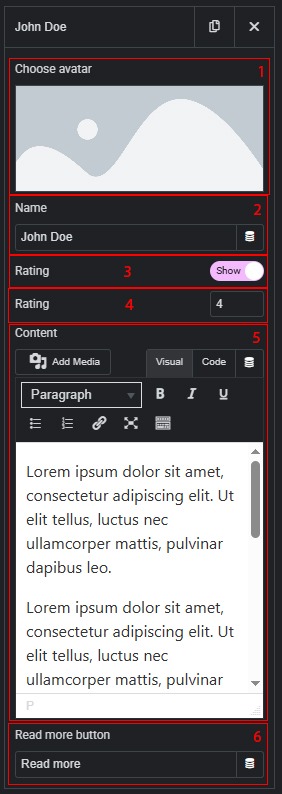
- Change the avatar for each card individually.
- Change the name for each card individually.
- Enable or disable the rating display for each card.
- If the rating display is enabled, set the number of stars (from 0 to 5, whole numbers only).
- Change the description for each card individually.
- Change the button text that is automatically displayed when the card description is too long.
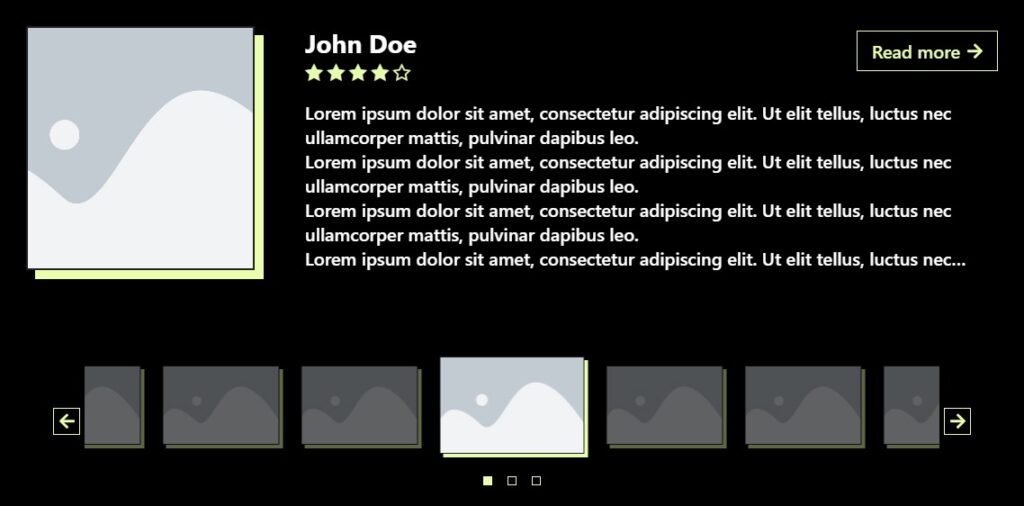
 Testimonials Carousel with Thumbnails