


Frequently Asked Question
Learn how to use our plugins with step-by-step guides and practical examples
Default Template
To add new reviews to the widget, click the widget on the page, go to the Content tab, and click the Add Item button.
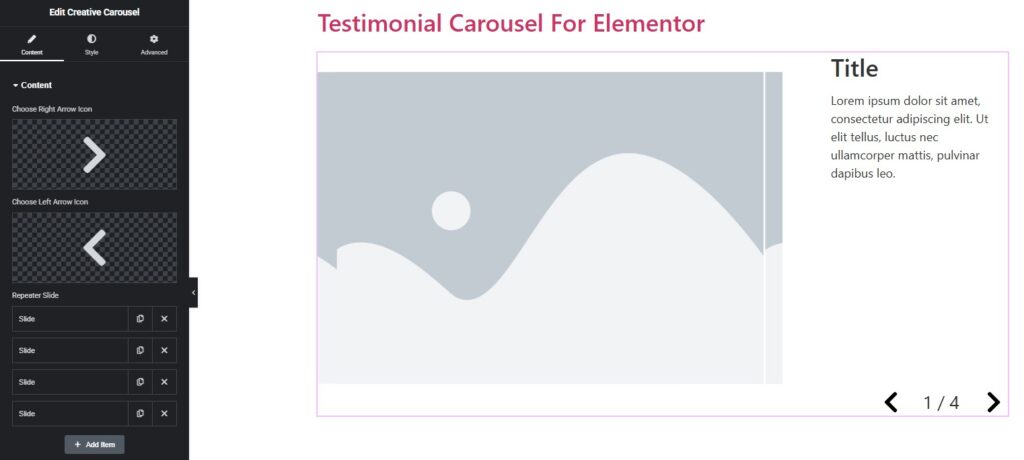
After adding a certain number of items, you can:
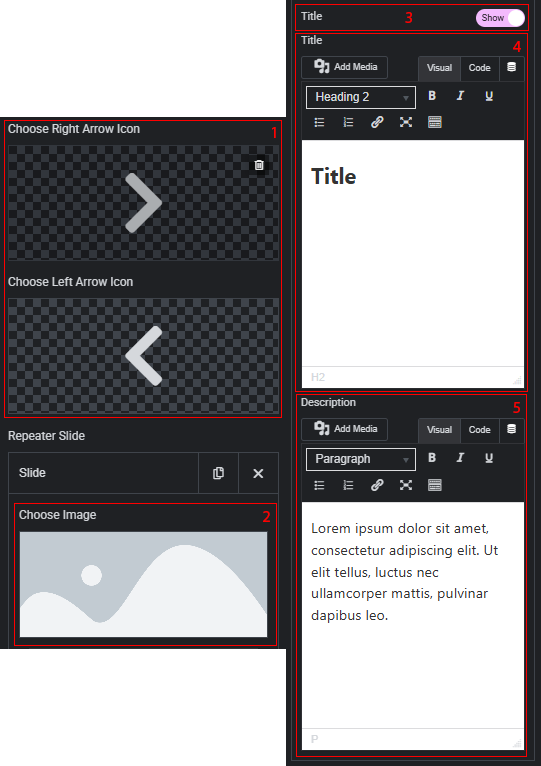
- Change arrow icons.
- Change the image for each card individually.
- Enable or disable the display of the title for each card.
- If the title display is enabled, change the title for each card individually.
- Change the description for each card individually.
 Content