


Frequently Asked Question
Learn how to use our plugins with step-by-step guides and practical examples
Additional Options
If you click Additional Options, extra widget settings will become available, including:
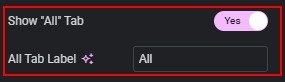
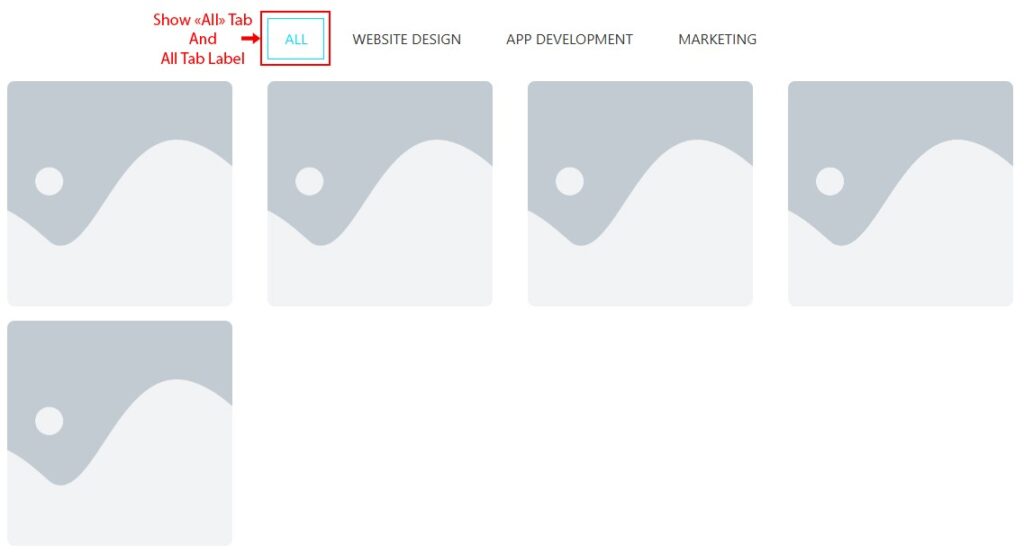
- Show “All” Tab — displays the “All” button and enables the All Tab Label control for editing the text.
- Enable Category Click In Overlay — enables clicking on a category within the overlay.

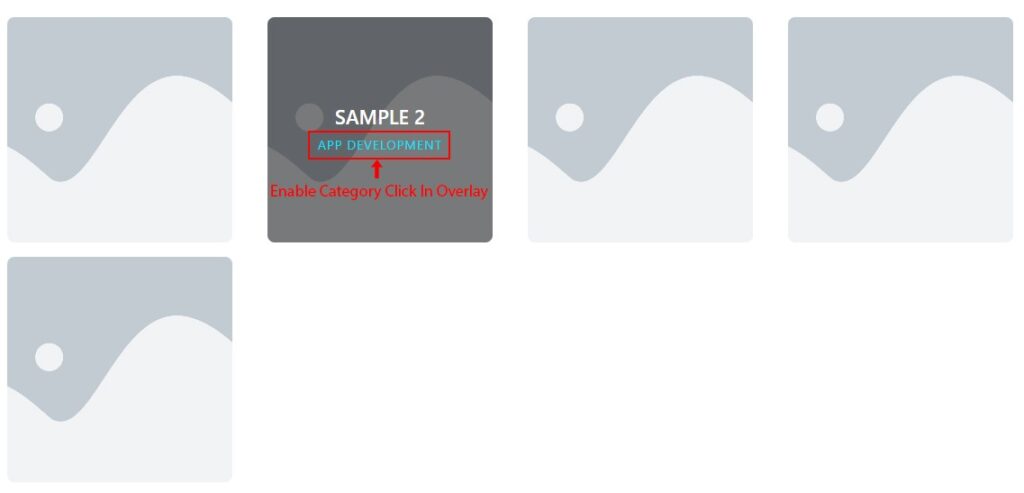
- Scroll To Widget On Overlay Click — appears when “Enable Category Click In Overlay” is enabled; scrolls to the items when a category is clicked in the overlay.

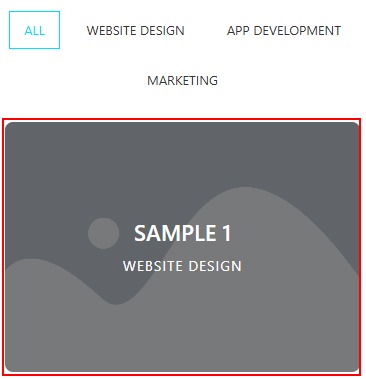
- Overlay Always Visible On Mobile — enables the overlay to always be visible on mobile devices.

 Content