


Frequently Asked Question
Learn how to use our plugins with step-by-step guides and practical examples
Content
To add a new tab to the widget, click the widget on the page, go to the Content tab, and click the Add Item button.
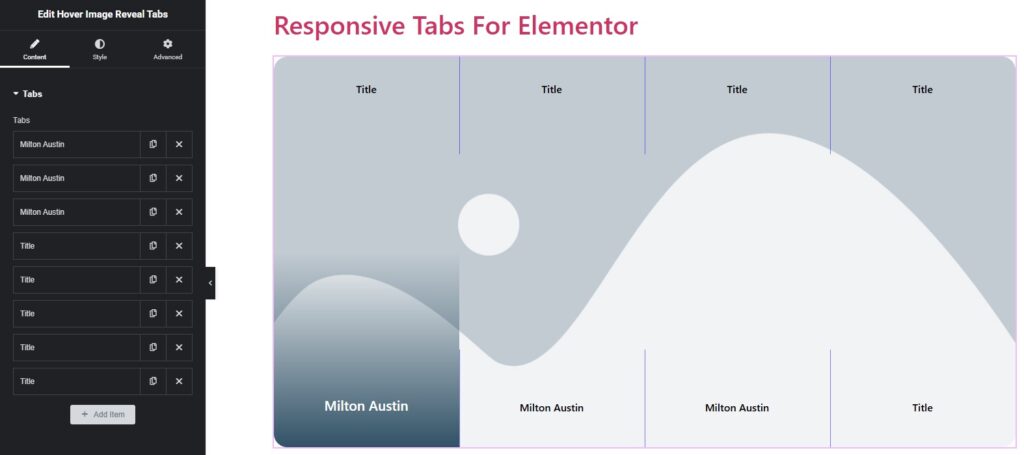
After adding one or more items, you can:
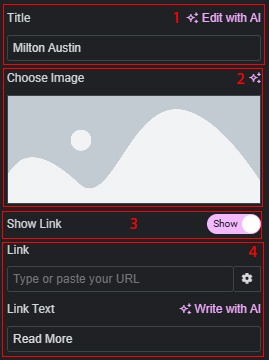
- Change the title for each tab individually.
- Change the image for each tab individually.
- Enable or disable links for each tab individually.
- If the link is enabled, add a link and customize the button text for each tab individually.
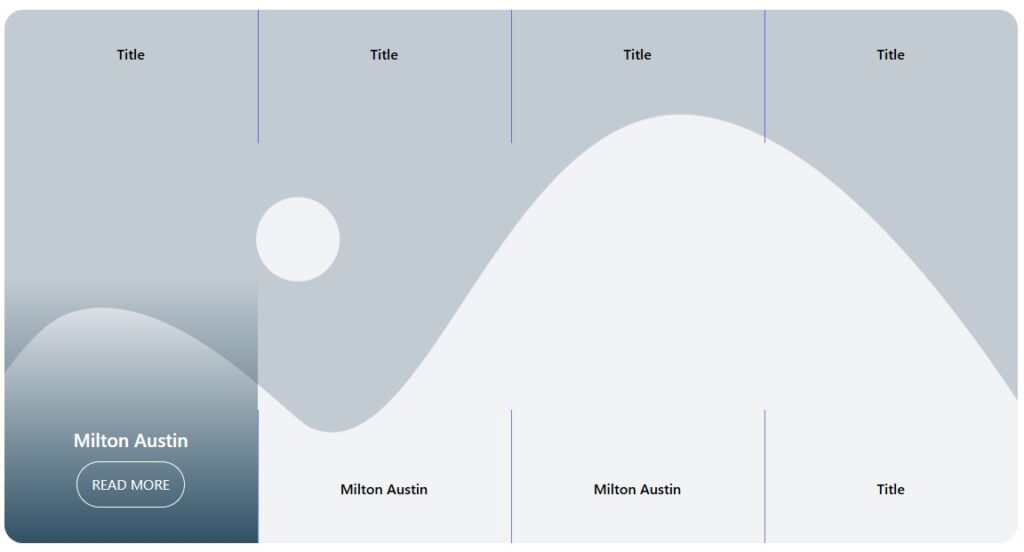
 Hover Image Reveal Tabs