


Frequently Asked Question
Learn how to use our plugins with step-by-step guides and practical examples
Widgets
To add a widget, open the page you want to edit and click Edit with Elementor.
This will open the Elementor editor, where all available widgets will be displayed.

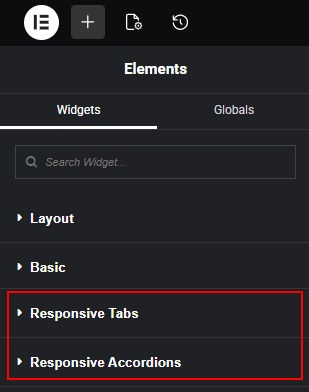
The following widgets are available in the Responsive Tabs category:
- Responsive Tabs With Icons
- Responsive Tabs With Small Images
- Responsive Tabs With Big Image
- Responsive Simple Tabs With Icons
- Responsive Testimonials Tabs
- Parallax Tabs
- Hover Image Reveal Tabs
- Portfolio Tabs
 Install Plugin using FTP